

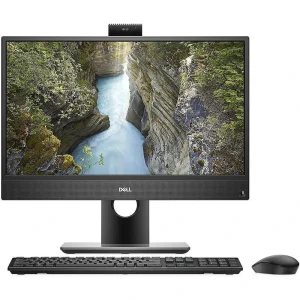
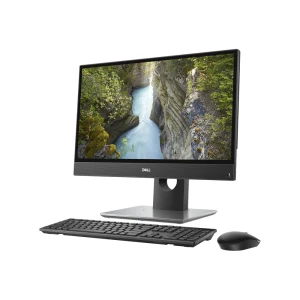
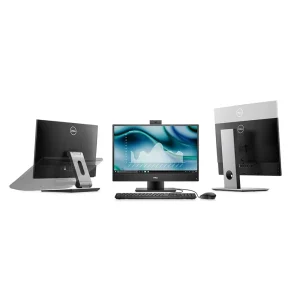
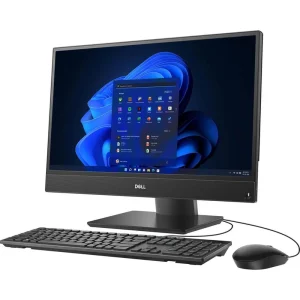
Dell OptiPlex 3280 AiO 21.5″ i3 8GB 256GB SSD
₨95000.00
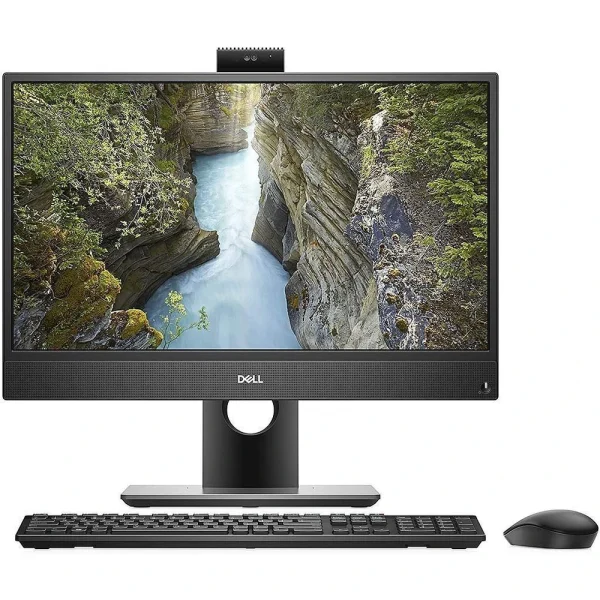
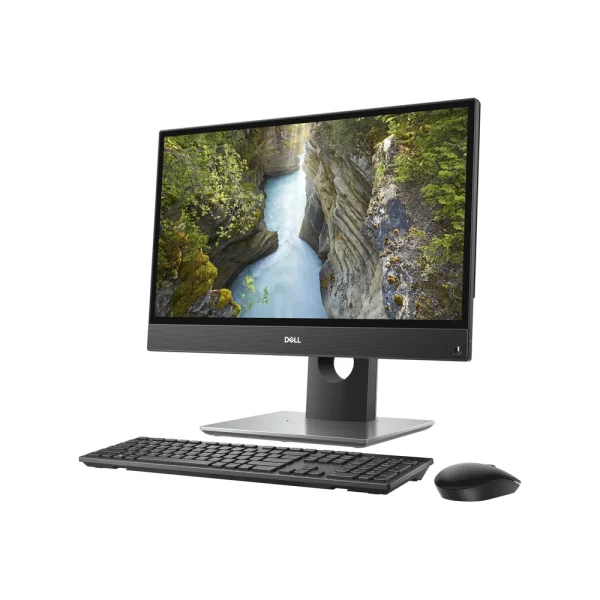
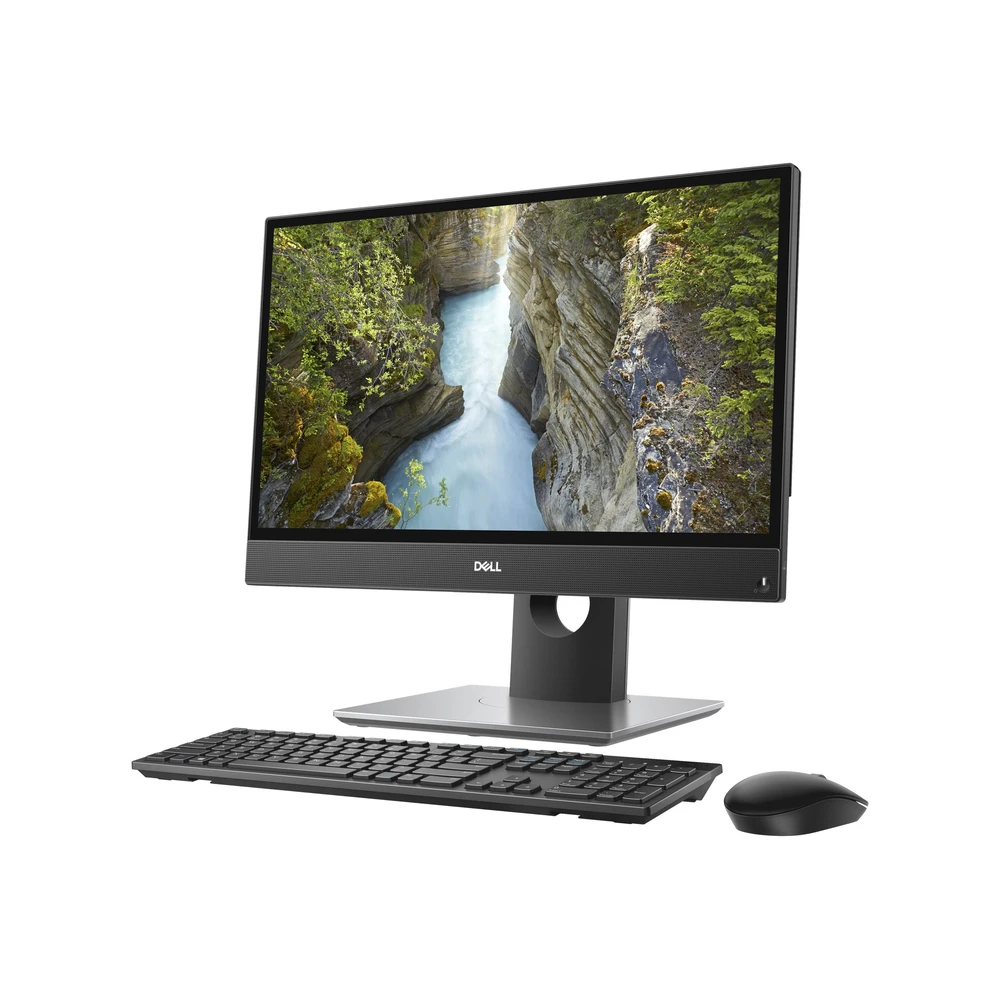
- 21.5-inch Full HD IPS display (1920 × 1080) in a slim all-in-one body
- Intel Core i3-10105T 10th Gen processor, 4 cores / 8 threads, with 8GB RAM
- 256GB M.2 PCIe NVMe SSD plus a spare 2.5-inch drive bay for extra storage
- Pop-up webcam, USB-C port and Windows 11 support
- Description
- Reviews (0)
Description
Overview
The Dell OptiPlex 3280 is the newest all-in-one in this batch, and it shows. Where the other machines here run 6th- and 7th-generation processors, the 3280 carries a 10th-generation Intel Core i3 — four cores and eight threads — behind a 21.5-inch Full HD IPS display. It is the only machine in the group that officially supports Windows 11, and the only one with an NVMe SSD and a USB-C port as standard. For a home office or a small business that wants a current-generation all-in-one without paying for a brand-new retail machine, that combination is the point of this listing.
The display is the part you look at all day, so it matters. The 21.5-inch panel (54.6 cm) is Full HD IPS at 1920 × 1080 and 60 Hz, so colours stay true and the picture stays readable from the side — useful on a reception desk where a visitor leans in, or where two people share one display. Dell notes the panel is 28.5% larger than the previous generation’s, and the slim bezels make the unit look smaller than its screen size suggests.
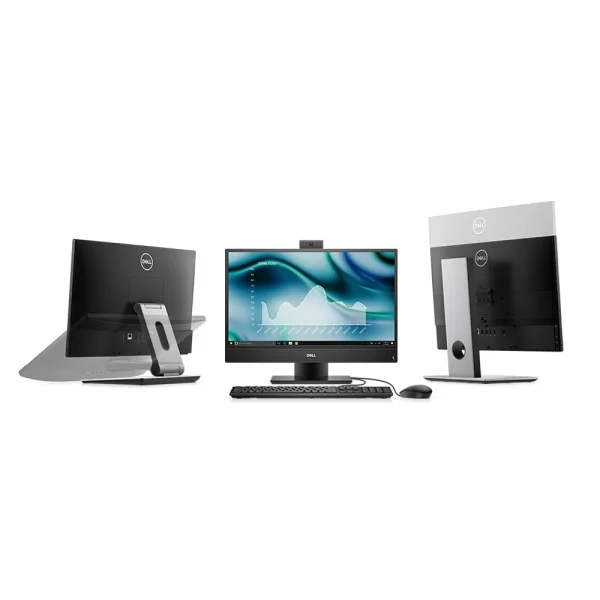
The i3-10105T runs at 3.0 GHz and boosts to 3.9 GHz, with 6 MB of cache and a 35-watt power draw. The 8 GB of DDR4 memory can grow to 64 GB. Storage is a 256 GB M.2 PCIe NVMe SSD — the fast kind, not a SATA drive — with a spare 2.5-inch bay and an extra M.2 slot for later. The webcam pops up from the top edge when needed and retracts when it is not. The unit measures 329.4 × 497.9 × 54.5 mm and weighs 4.34–4.68 kg.
Key Benefits
The i3-10105T is a 10th-generation chip with four cores and eight threads, so it handles multitasking the way a modern office machine should: a browser with a dozen tabs, a spreadsheet, an email client and a video call running at the same time without slowing down. It is the newest CPU in this group by four generations — the machine to pick if the computer needs to stay useful for years.
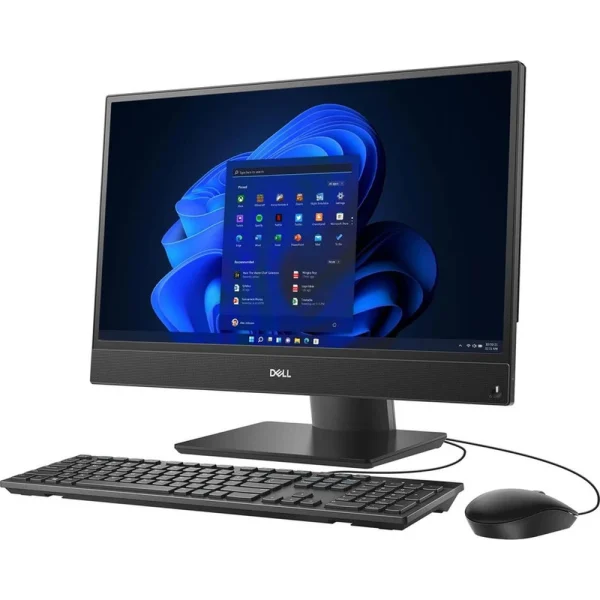
The 10th-gen i3 meets Microsoft’s official Windows 11 CPU requirement, so this machine can run the current version of Windows rather than being stuck on an older one. That matters for security updates, for compatibility with new software, and for resale value. The Dell configuration page notes a Windows 11 Pro licence is included.
The 256 GB NVMe SSD boots Windows in seconds, and the spare 2.5-inch bay and second M.2 slot mean adding a large hard drive later costs very little. The 21.5-inch Full HD IPS panel is comfortable for a full working day, and the pop-up webcam stays hidden inside the chassis until you need it — better for privacy than a camera that is always staring at the room.
Features and Advantages
The slim body sits on a compact stand, the bezels are thin, and the whole unit weighs under 5 kg, so it moves easily between rooms. Connectivity covers the modern essentials: a USB 3.2 Gen 1 Type-C port, a DisplayPort output for a second monitor, a Gigabit Ethernet port, a combo headphone and microphone jack, and six USB ports in total.
The single 8 GB DDR4 module leaves room to add more, up to a 64 GB maximum, and storage has two expansion paths — the spare 2.5-inch bay takes a standard hard drive or SATA SSD, and the extra M.2 slot takes another NVMe drive. Few all-in-ones at this price offer both.
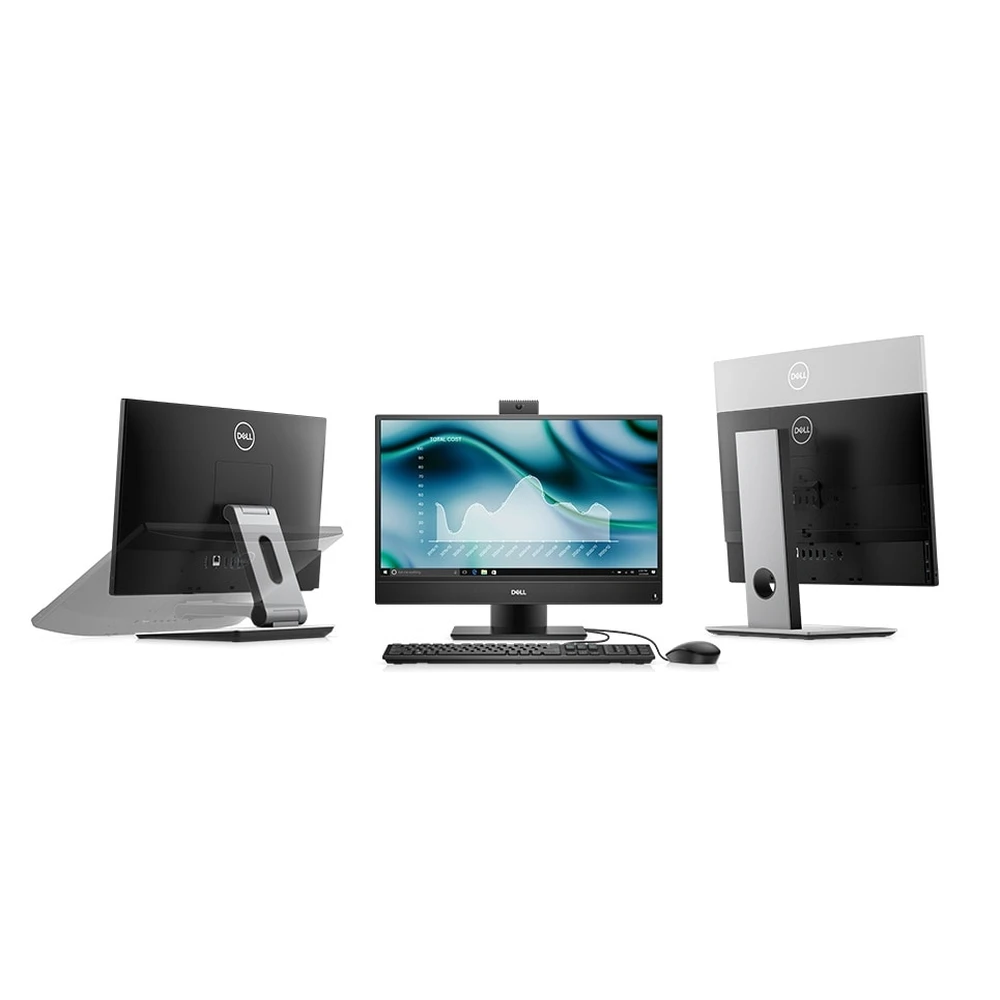
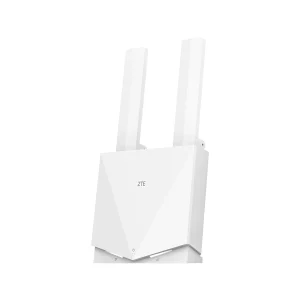
The pop-up webcam retracts into the chassis when not in use, which solves the privacy worry of a built-in camera. The optional version is Full HD with infrared for Windows Hello face login — this listing does not claim it unless the stocked unit is checked and found to have it. For the network around it, a wall-plate access point such as the TP-Link EAP235-Wall gives the room strong Wi-Fi, the TP-Link EAP723 BE5000 covers a larger office with Wi-Fi 7, and the TP-Link ER605 router handles the internet connection for the whole site.
Ideal Users
Home offices are the natural home for this machine. One unit on the desk replaces a tower, a monitor and their cables, the 21.5-inch screen is large enough for a full working day, and the 10th-gen processor with Windows 11 support means the machine will not feel old in two years.
Reception desks and small businesses will appreciate the same things: a slim design that looks professional in front of customers, an IPS screen that reads clearly from an angle, and the everyday mix of billing, email, browsing and video calls handled without fuss. The spare drive bay means storage can grow with the business instead of the machine being replaced.
Technical Specifications
| Specification | Details |
| Model | Dell OptiPlex 3280 All-in-One |
| Display | 21.5″ (54.6 cm) Full HD IPS, 1920 × 1080, 60 Hz — non-touch (touch optional) |
| Processor | Intel Core i3-10105T — 10th Gen, 4 cores / 8 threads, 3.0 GHz base, up to 3.9 GHz Turbo, 6 MB cache, 35 W |
| Graphics | Intel UHD Graphics 630 (integrated) |
| Memory | 8 GB DDR4 (1 × 8 GB); max 64 GB |
| Storage | 256 GB M.2 2230 PCIe NVMe SSD, Class 35 |
| Extra storage | 1× 2.5″ HDD bay + 1× M.2 2230/2280 SSD slot |
| Webcam | Pop-up webcam (Full HD with IR for Windows Hello is optional) |
| Ports | 1× USB 3.2 Gen 1 Type-C, 1× DisplayPort, 1× RJ-45, combo headphone/mic jack; 6 USB ports total |
| Network | Gigabit Ethernet; Intel Wi-Fi 6 AX200 optional |
| Dimensions | 329.4 × 497.9 × 54.5 mm (H × W × D) |
| Weight | 4.34–4.68 kg (non-touch) |
| OS | Windows 10 Pro; Windows 11 Pro licence included (per Dell config page); officially supports Windows 11 |
FAQs
What size is the screen? 21.5 inches, Full HD (1920 × 1080) IPS. Note that this model is 21.5 inches — not 23.8 inches like the other Dell all-in-ones in this batch.
Is the screen touch? Not in the standard configuration — touch is an optional variant. This listing is for the non-touch configuration unless the stocked unit is checked and found to be touch.
Does it support Windows 11? Yes — the 10th-generation i3-10105T meets Microsoft’s Windows 11 CPU requirement, and a Windows 11 Pro licence is included per the Dell configuration page.
Where is the webcam? It is a pop-up camera on the top edge that retracts into the chassis when not in use, so it is physically hidden when you are not on a call.
Can storage be upgraded? Yes — there is a spare 2.5-inch drive bay and an extra M.2 slot alongside the 256 GB NVMe SSD, so adding storage later is straightforward.
Why Buy From NexGenShop.pk?
NexGenShop.pk lists the Dell OptiPlex 3280 at Rs 95,000 with the specifications as published by Dell — the 21.5-inch Full HD IPS display, the 10th-gen Core i3, the 256 GB NVMe SSD and the pop-up webcam. The screen is non-touch, and the Full HD infrared camera and Wi-Fi 6 are optional configurations, not claimed here unless the stocked unit is checked. The team can be reached on Facebook and Instagram to check any of those options before ordering.
Final Conclusion
The Dell OptiPlex 3280 is the most current machine in this batch: a 10th-generation processor with eight threads, a 21.5-inch Full HD IPS screen, a fast NVMe SSD with room to expand, a pop-up webcam, and official Windows 11 support. At Rs 95,000 it is the most expensive machine in this group — and the newest by four generations, which is exactly what that price is paying for.





Reviews
There are no reviews yet.