

Dell OptiPlex 7460 Touch AiO i5 8GB 256GB SSD
₨69000.00
- 23.8-inch Full HD IPS touchscreen with slim InfinityEdge bezels
- 8th Gen Intel Core i5-8500, 6 cores, with 8GB RAM and 256GB SSD
- 2 MP Full HD pop-up webcam that hides away when not in use
- Wi-Fi 5 and Bluetooth 5.0 built in, officially Windows 11 capable
- Description
- Reviews (0)
Description
Overview
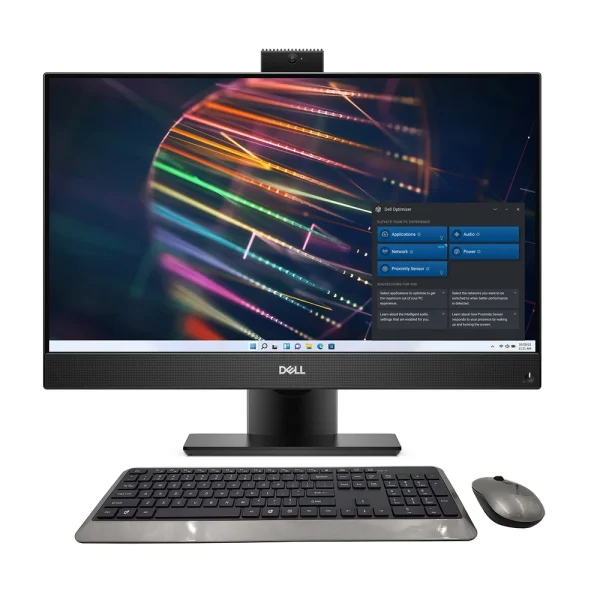
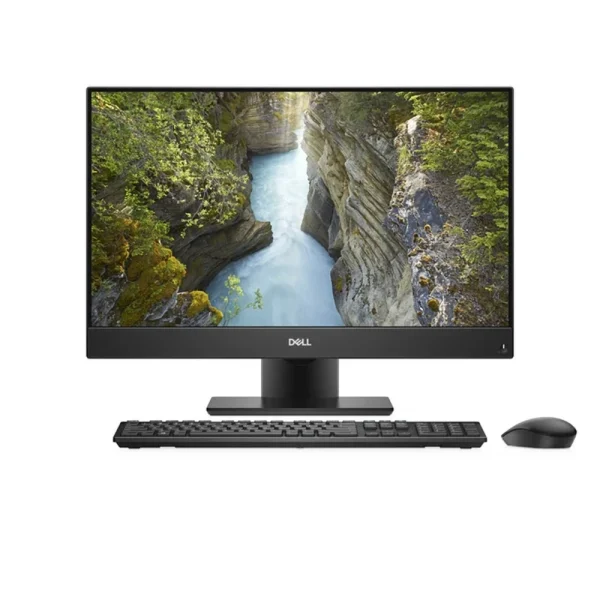
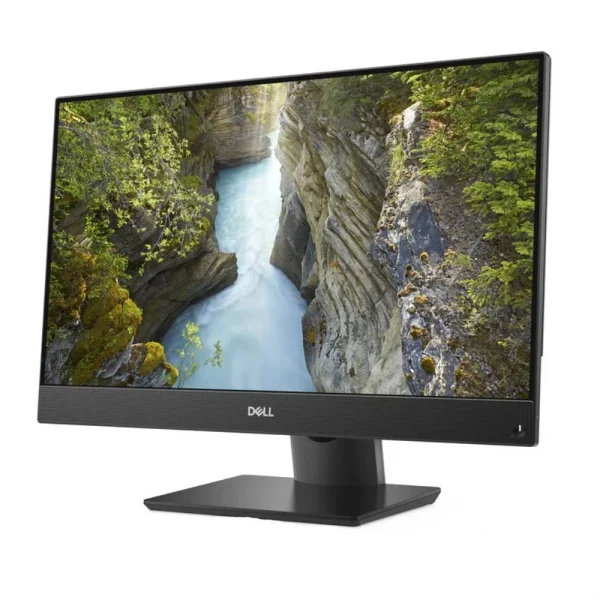
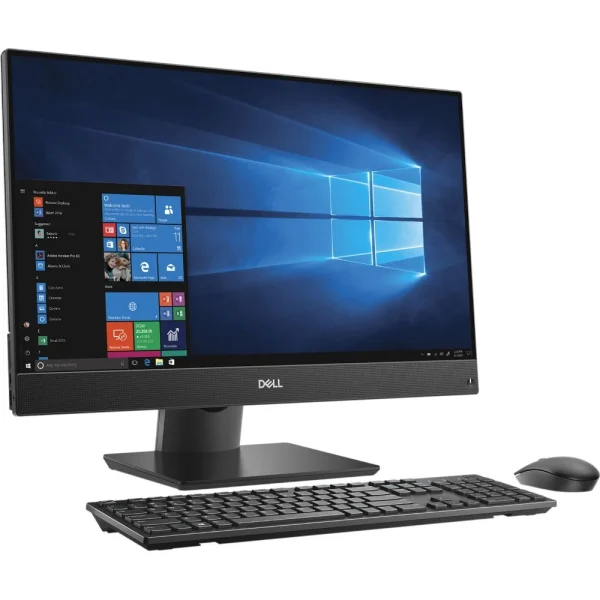
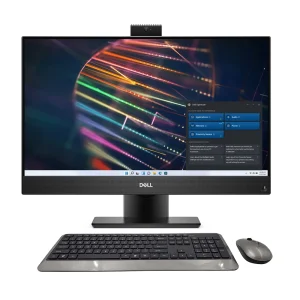
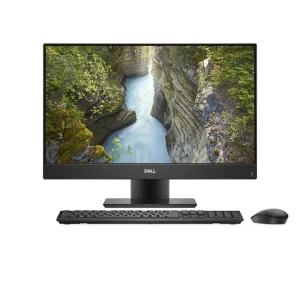
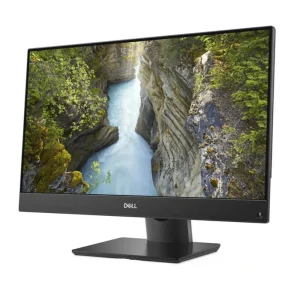
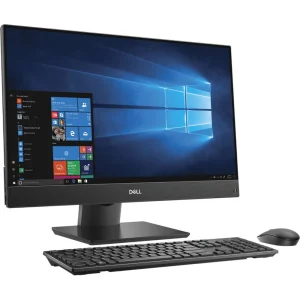
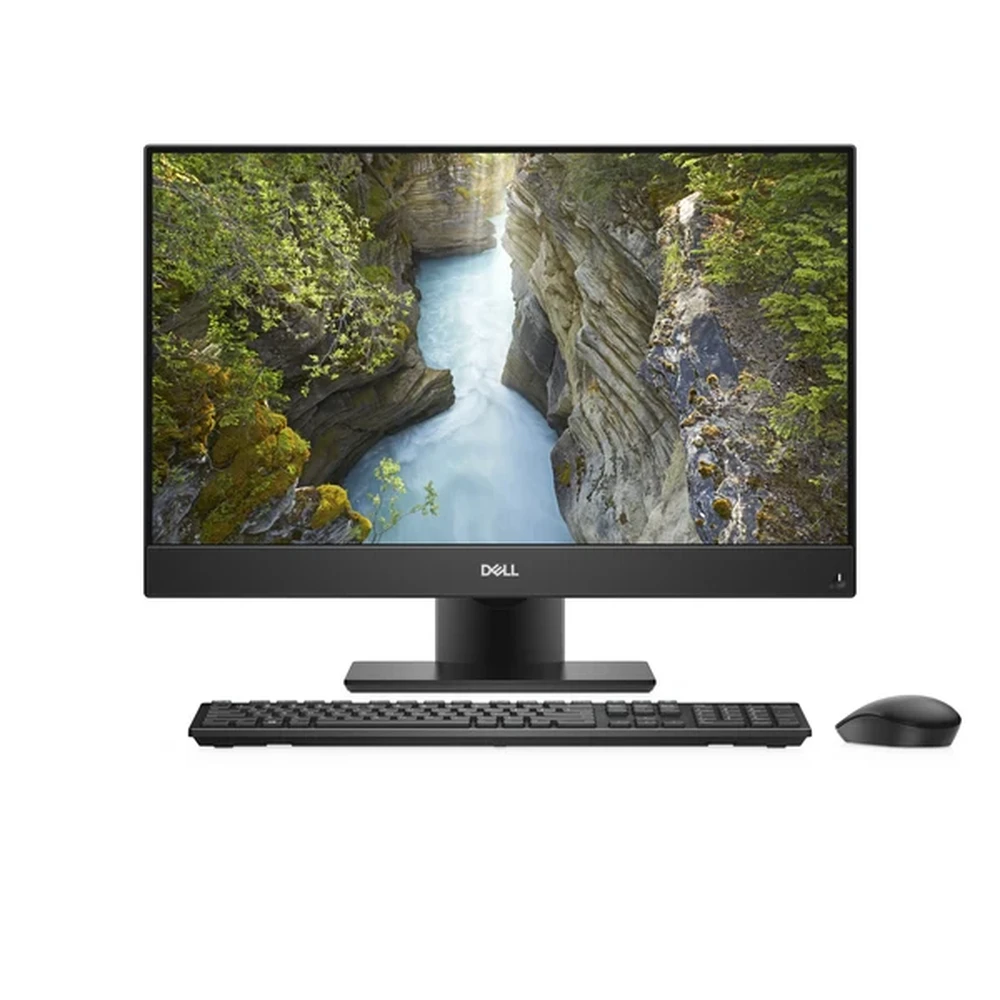
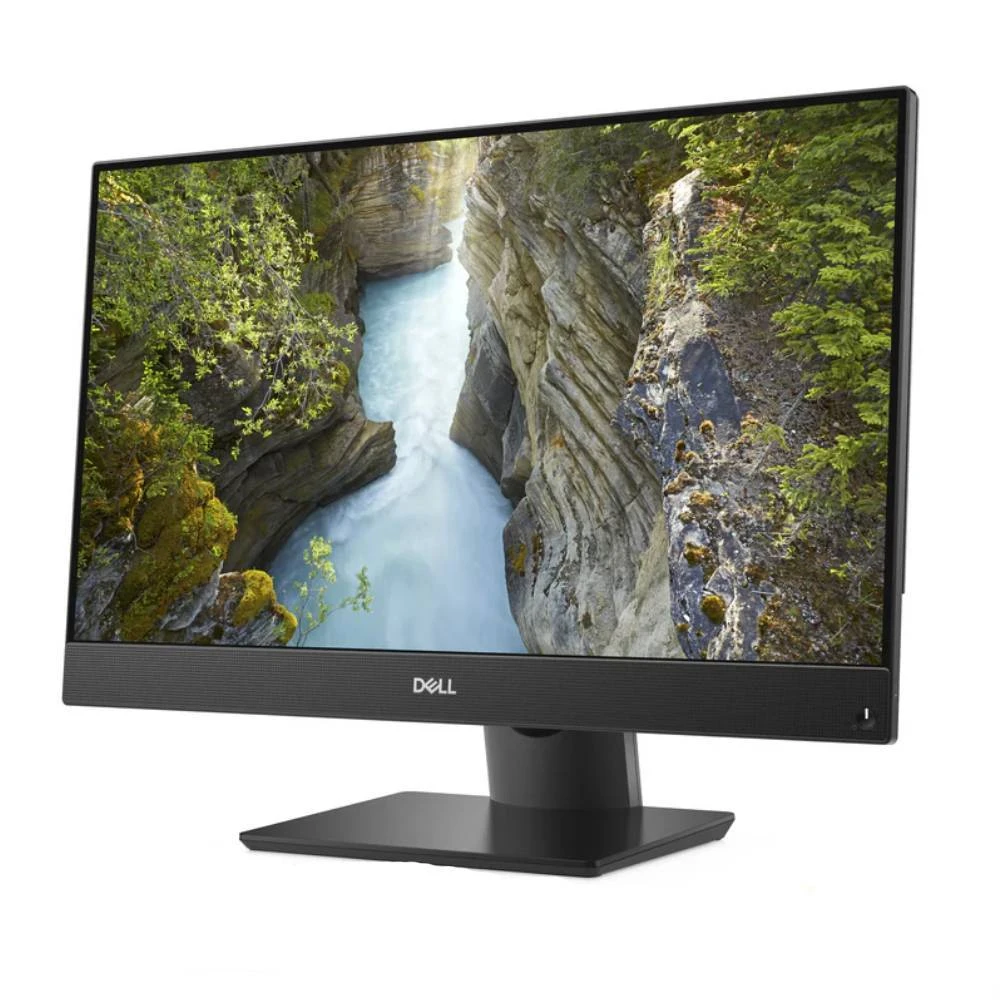
The Dell OptiPlex 7460 is an all-in-one PC that puts the whole computer behind the screen — no tower under the desk, no tangle of cables. The 23.8-inch display, processor, memory and storage all live in one slim unit on a stand. This is the touchscreen configuration, so the screen responds to a tap, a swipe and a pinch, like a tablet, while running a full desktop operating system underneath.
The panel is a 23.8-inch Full HD IPS display, 1920 × 1080, with a glare-free capacitive touch surface and 250 nits of brightness. IPS keeps colours true when viewed from the side, which matters on a reception counter, and Dell’s InfinityEdge slim bezels keep the unit looking modern.
Inside is an 8th Gen Intel Core i5-8500 — six cores at 3.0 GHz, boosting to 4.1 GHz — with 8 GB of DDR4 memory and a 256 GB SSD. It boots fast and handles video calls, spreadsheets and a dozen browser tabs at once. It ships with Windows 10 Pro, and the 8th-gen processor meets Microsoft’s official requirement, so this machine can run Windows 11. Wi-Fi 5 and Bluetooth 5.0 are built in.
One point worth stating plainly: the touch panel and the 256 GB SSD should be confirmed on the stocked unit before dispatch. Dell’s most commonly documented touch configuration shipped with a 500 GB hard drive, while the documented 256 GB SSD version was non-touch. Touch-and-SSD units do exist — but the stocked unit is checked to confirm both before it goes out.
Key Benefits
On a reception desk or a shop counter, touch changes how people use the machine: a visitor taps a form, a customer signs on screen, a teacher swipes through a presentation. Nobody has to hunt for the mouse.
The second benefit is the processor. The i5-8500 is a six-core 8th-gen chip, a real step up from the four-core 6th-gen processors in the older all-in-ones in this batch. Six cores keep it responsive with several things running at once — a video call, a spreadsheet, a browser with ten tabs, and email.
The third benefit is Windows 11. Many older business all-in-ones cannot officially run it because their processors predate Microsoft’s requirement. This one can, so the operating system has a longer supported life ahead of it.
The fourth benefit is the SSD: a 256 GB solid-state drive means the machine starts in seconds, with no spinning hard drive slowing it down. And the fifth is the design — one unit, one power cable, and a slim-bezel screen that looks at home on a modern desk.
Features and Advantages
The display deserves the most attention because it is what you look at all day. The 23.8-inch IPS panel runs at 1920 × 1080 with wide viewing angles, so colours stay true from the side as well as from the front. The glare-free finish cuts reflections from overhead lights.
The pop-up webcam is a thoughtful detail. The 2 MP Full HD camera sits on the top edge and retracts into the chassis when it is not in use. When it is down, nobody can see into the room — a genuine privacy advantage over a camera that is always staring out. When it is up, it records at 1920 × 1080, sharp enough for video calls.
Connectivity covers the usual business needs: DisplayPort for a second monitor, Gigabit Ethernet, a headphone and microphone combo jack, USB 3.2 Gen 1 Type-A ports and a USB PowerShare port that charges a phone even when the machine is off. Wi-Fi 5 (802.11ac) and Bluetooth 5.0 pair peripherals without dongles.
Memory can grow: 8 GB of DDR4-2666 in one stick, up to 32 GB, so a second stick later is a simple upgrade. The integrated Intel UHD Graphics 630 handles office work and video calls without a separate card. For the office network, it pairs well with a wall-plate access point such as the TP-Link EAP225-Wall or the Wi-Fi 6 TP-Link EAP655-Wall.
Ideal Users
Reception desks and front counters will get the most out of this machine. A visitor taps a check-in form, a patient fills in details on screen, a customer browses a catalogue — touch makes all of that natural, with no tower taking up space under a small counter.
Small offices suit it well: one unit replaces a tower and a monitor, freeing desk space and removing cables, while the six-core processor and SSD keep it quick through a working day.
Schools suit it too: a teacher taps through a lesson at the screen while students come up and interact with it. Home users who want a clean desk will like it as well — a full desktop that looks like a monitor and runs Windows 11. Pair it with a camera such as the TP-Link Tapo C200 and the same desk covers video calls and room monitoring.
Technical Specifications
| Specification | Details |
| Model | Dell OptiPlex 7460 All-in-One (touchscreen configuration) |
| Display | 23.8″ (60.5 cm) Full HD IPS WLED, 1920 × 1080, capacitive touchscreen, glare-free finish, 250 nits |
| Processor | Intel Core i5-8500 — 8th Gen, 6 cores, 3.0 GHz base, up to 4.1 GHz Turbo, 9 MB cache, 65 W |
| Graphics | Intel UHD Graphics 630 (integrated) |
| Memory | 8 GB DDR4-2666 (1 × 8 GB); max 32 GB |
| Storage | 256 GB SSD (verify on the stocked unit — see note in the Overview) |
| Webcam | 2 MP Full HD (1920 × 1080) pop-up camera |
| Audio | Built-in speakers (2) |
| Ports | 1× DisplayPort, 1× RJ-45 Gigabit Ethernet, combo headphone/mic jack, USB 3.2 Gen 1 Type-A, USB PowerShare (full USB count not confirmed — verify on the unit) |
| Network | Wi-Fi 5 (802.11ac); Bluetooth 5.0 |
| Operating System | Windows 10 Pro 64-bit (Windows 11 capable — 8th gen meets the requirement) |
FAQs
Is the screen really a touchscreen? Yes — this is the touchscreen configuration: a 23.8-inch Full HD IPS capacitive touch panel. One thing to know: the touch configuration Dell documented most often shipped with a 500 GB hard drive, while the documented 256 GB SSD version was non-touch. Touch-and-SSD units exist and are sold by refurbishers, and this listing is for that combination — the stocked unit is checked to confirm both before dispatch.
Which processor is it? Intel Core i5-8500 — 8th Gen, six cores, 3.0 GHz up to 4.1 GHz, 9 MB cache, 65 W desktop processor.
Can it run Windows 11? Yes. 8th-gen Intel processors meet Microsoft’s Windows 11 CPU requirement, so this machine can run Windows 11. It ships with Windows 10 Pro.
What is the webcam? A 2 MP Full HD pop-up camera on the top edge. It retracts into the chassis when not in use, which keeps the camera covered for privacy.
Is the display IPS? Yes — IPS, with wide viewing angles, 250 nits brightness and a glare-free finish.
Why Buy From NexGenShop.pk?
NexGenShop.pk lists the OptiPlex 7460 touch AiO at Rs 69,000 with the configuration stated plainly — 8th-gen six-core i5, 8 GB RAM, 256 GB SSD, touchscreen — and one honest caveat: the touch panel and SSD are confirmed on the stocked unit before dispatch, because Dell’s most common touch configuration shipped with a hard drive instead. The team can be reached on Facebook and Instagram if you want the unit checked before ordering.
Final Conclusion
The Dell OptiPlex 7460 is a strong all-in-one for a desk that needs touch. The 23.8-inch IPS touchscreen, the six-core 8th-gen i5, the SSD and Windows 11 capability add up to a machine that feels current rather than inherited, and the single-unit design keeps the desk clean. At Rs 69,000 it suits a reception counter, a small office or a classroom — anywhere a screen people can tap beats one they can only look at.




Reviews
There are no reviews yet.