

Lenovo L24-4e 23.8″ FHD IPS Monitor 100Hz
₨38999.00
- 23.8″ FHD IPS panel, 100 Hz refresh, 4 ms response, 99% sRGB colour
- Slim 3-side NearEdgeless design with thin 2 mm side bezels
- HDMI 1.4 and VGA ports for new and older PCs
- Low power at 16 W typical, VESA 100×100 mountable, tilt stand
- Description
- Reviews (0)
Description
Overview
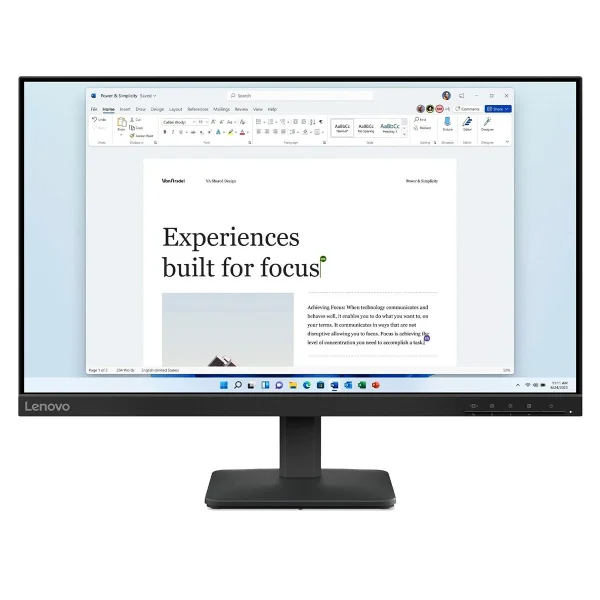
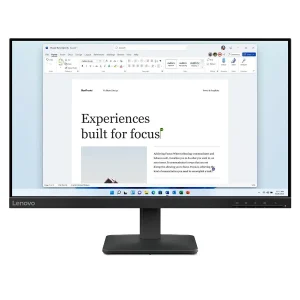
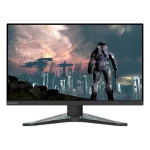
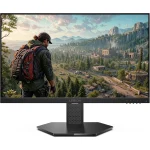
The Lenovo L24-4e is the full-size version of Lenovo’s office monitor range: a 23.8-inch Full HD IPS panel with a smooth 100 Hz refresh rate, accurate 99% sRGB colour and a slim, modern design. It is the same family as the smaller 21.5-inch L22-4e, with the same panel quality and the same simple connectivity, but with more screen — and for most desks, 23.8 inches is the size that feels right.
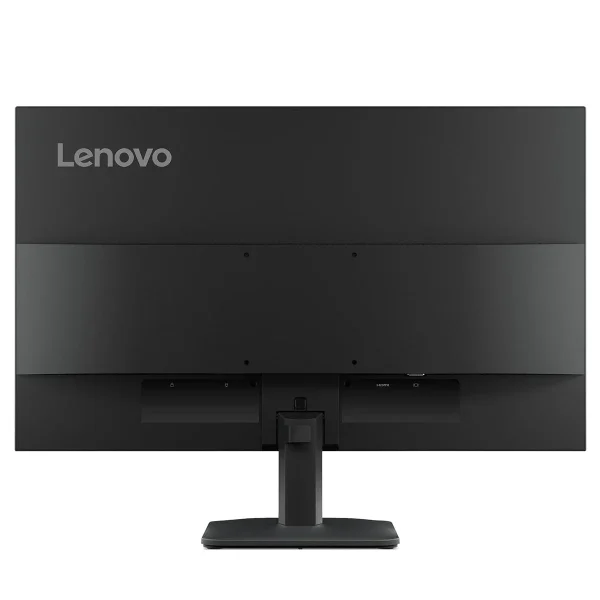
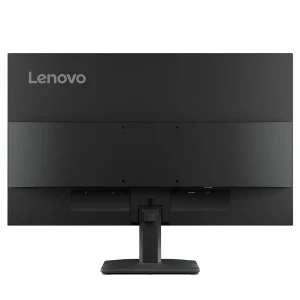
The panel is a 23.8-inch IPS display at 1920 x 1080, with 250 nits of brightness, a 1300:1 contrast ratio and 99% sRGB coverage, both in coverage and in area. The refresh rate is 100 Hz, twice the standard 60 Hz, with a 4 ms response time in Extreme mode. Connectivity is simple and practical: one HDMI 1.4 port and one VGA port, so the monitor works with both a new laptop and an older office PC. Two honest limits to know before buying: the monitor has no built-in speakers and no audio jack, and the stand tilts only — it does not adjust in height.
Note the name: this is the plain Lenovo L24-4e with an IPS panel. The “Legion L24-4e” is a different monitor altogether — a VA panel with 3000:1 contrast and an ultra-slim head.
Key Benefits
The first benefit is the size. At 23.8 inches, this is a full-size office screen — large enough for split-screen work, documents side by side and comfortable video calls, without dominating a small desk. It is the size most offices standardise on, for good reason.
The second benefit is the smooth panel. A 100 Hz refresh rate is twice the standard 60 Hz, and the difference is visible the moment you scroll a page or move the mouse. The 4 ms response time in Extreme mode keeps fast motion clean, and the 6 ms Normal mode is the safer setting for everyday use.
The third benefit is colour. The IPS panel covers 99% of the sRGB colour space, with 16.7 million colours and an 8-bit panel, so photos, videos and documents look accurate rather than washed out.
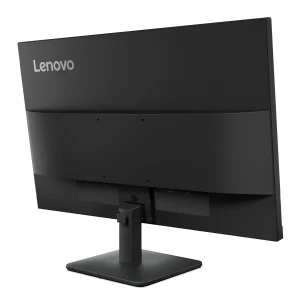
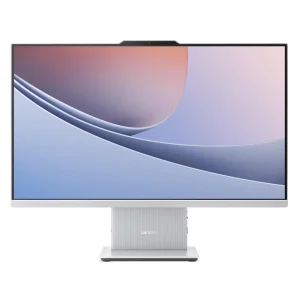
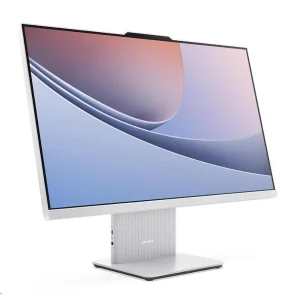
The fourth benefit is the design. The three-sided NearEdgeless frame leaves side bezels of just 2.0 mm, so two of these monitors sit neatly side by side on a desk, and the Raven black finish with a slim stand keeps the whole unit compact.
Features and Advantages
The L24-4e is built around a 23.8-inch IPS panel with a WLED backlight, an anti-glare coating and a flat screen. The active area is 527.0 x 296.5 mm, the pixel density is 92 dpi, and the panel shows 16.7 million colours.
The refresh rate runs from 48 to 100 Hz, with a 100 Hz maximum, and the response time is 4 ms GtG in Extreme mode or 6 ms GtG in Normal mode. What it is not is a gaming monitor: there is no DisplayPort and no high refresh rate for competitive play. Some retailer listings mention AMD FreeSync for this model, but the official Lenovo specification does not list it as a feature, so it is not claimed here.
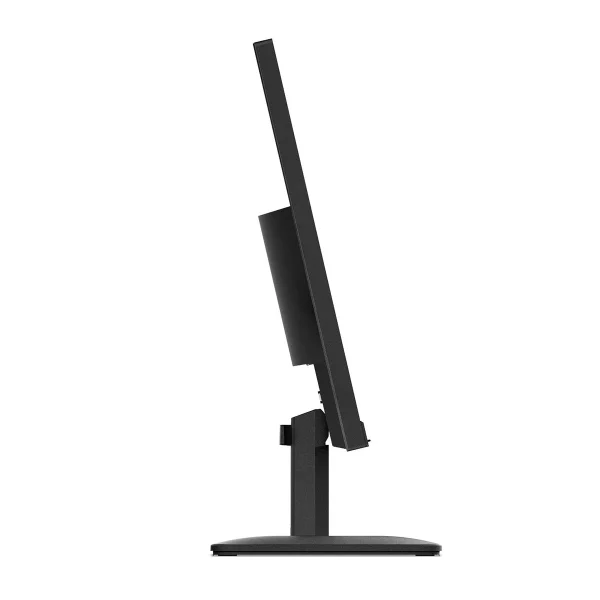
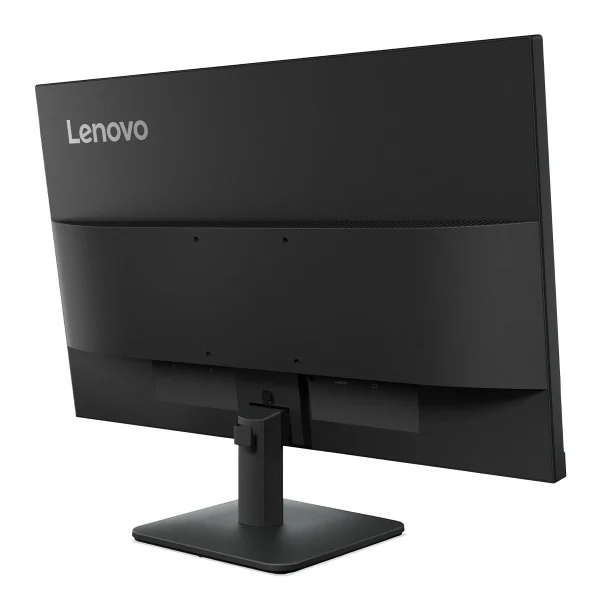
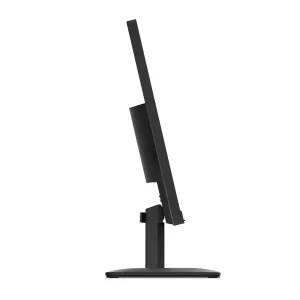
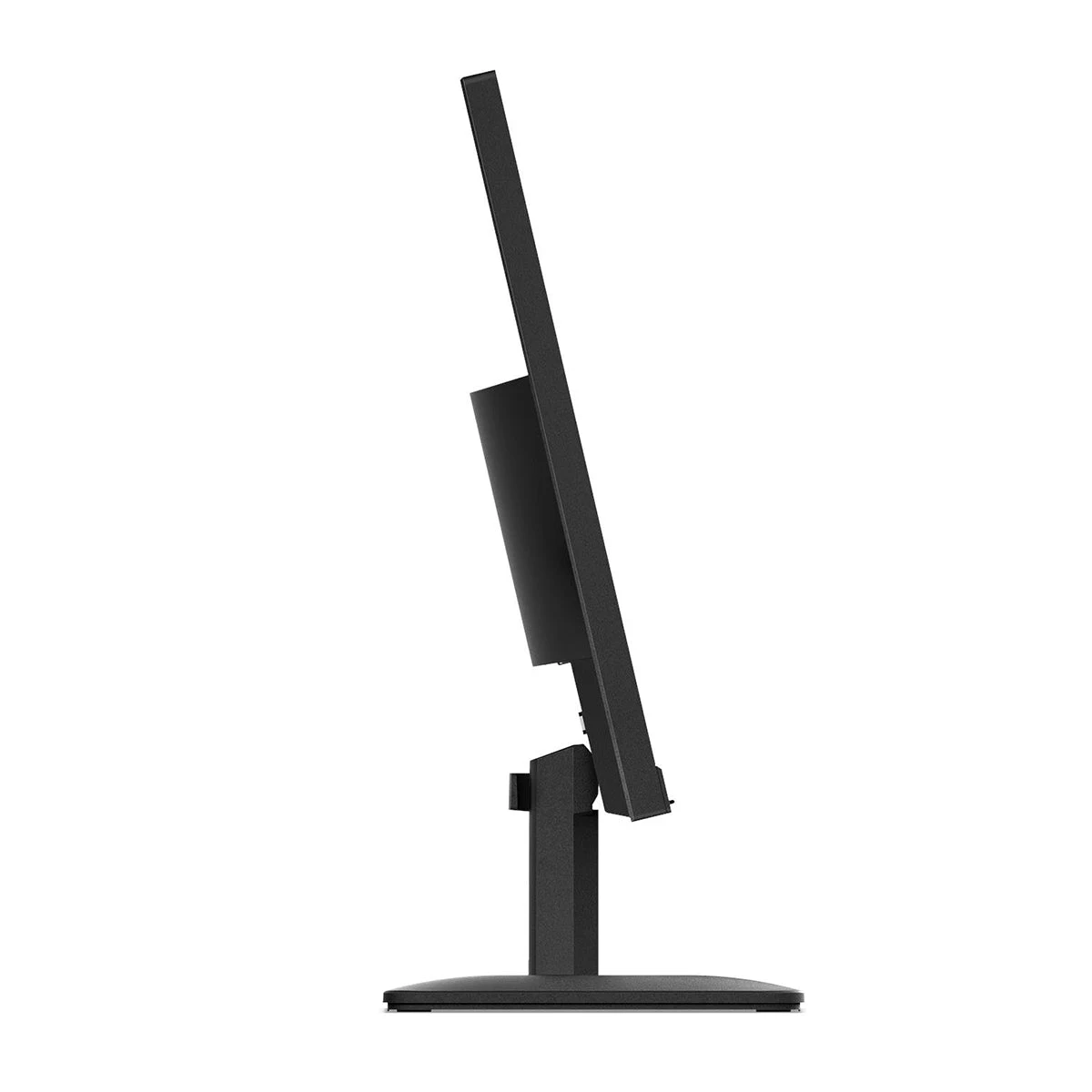
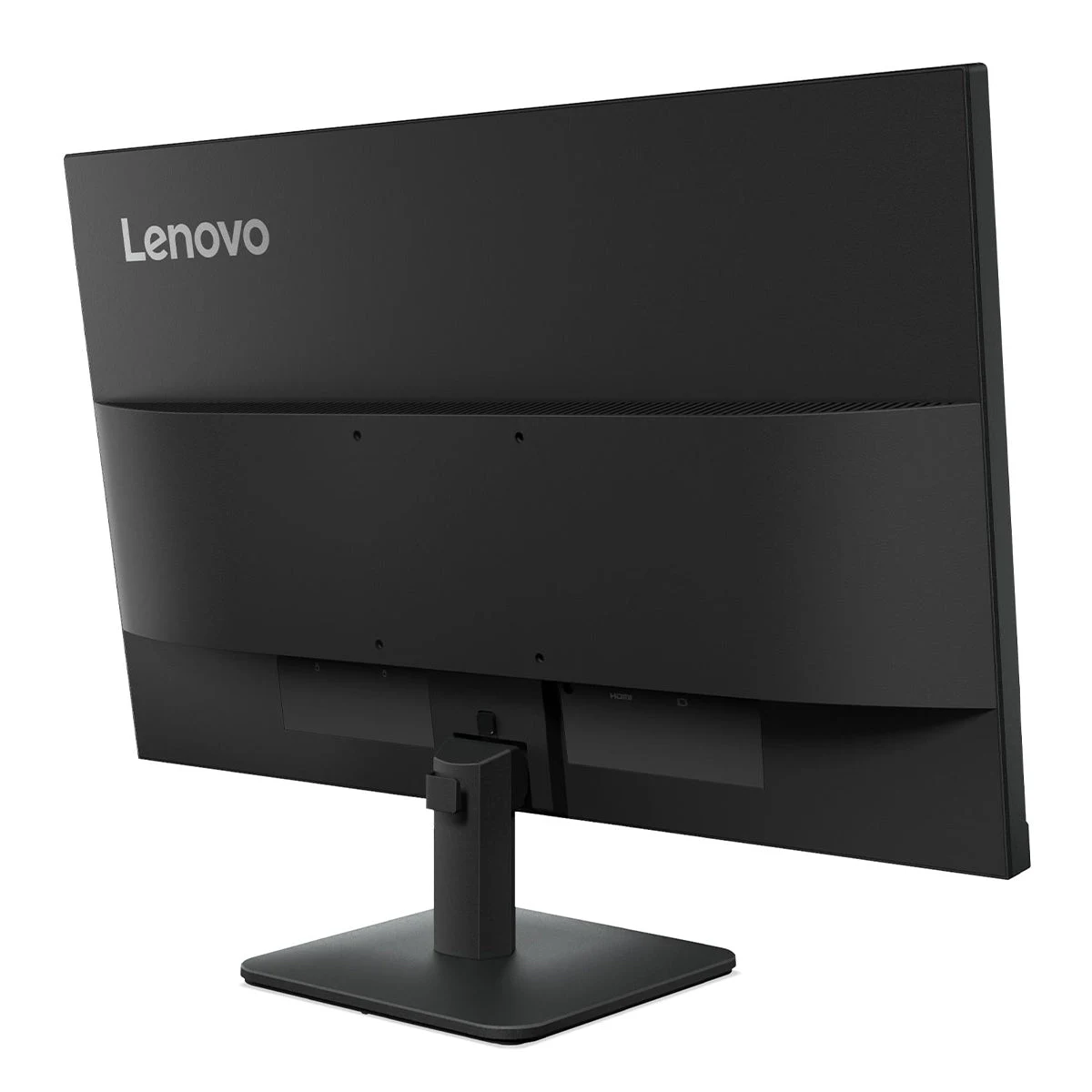
The ports are one HDMI 1.4 and one VGA, plus a Kensington Security Slot for locking the monitor to a desk. The HDMI port supports 1920 x 1080 at 100 Hz, so the full refresh rate is available over a standard cable. There are no speakers and no audio jack anywhere on the unit — sound must come from the computer or from external speakers, which is worth knowing before the monitor arrives. The stand tilts from minus 5 degrees to plus 22 degrees and nothing else: no height adjustment, no swivel, no pivot. For height adjustment, a VESA arm is the answer.
Ideal Users
Home offices and students who want a full-size 24-inch screen at an office-monitor price will get the most out of this monitor. A 23.8-inch screen suits a desk that has room for one good display, and the 100 Hz panel and 99% sRGB colour make it feel like a better screen than its price suggests.
Dual-monitor users are the third group. Two matching 23.8-inch screens with 2 mm side bezels make a clean, wide workspace for spreadsheets, code or design work. Pair them with a compact desktop such as the HP EliteDesk 800 G3 Mini and you have a complete, tidy workstation.
Technical Specifications
| Specification | Details |
|---|---|
| Model | Lenovo L24-4e Monitor |
| Panel | 3-side NearEdgeless, In-Plane Switching (IPS), WLED backlight, flat, anti-glare |
| Display size | 23.8 inches (active area 527.0 x 296.5 mm) |
| Resolution | 1920 x 1080 (FHD), 16:9, 92 dpi, 0.2745 mm pixel pitch |
| Refresh rate | 48–100 Hz (100 Hz max) |
| Response time | 4 ms GtG (Extreme mode) / 6 ms GtG (Normal mode) |
| Brightness | 250 cd/m² |
| Contrast ratio | 1300:1 typical; 3,000,000:1 dynamic |
| Viewing angle | 178° horizontal / 178° vertical |
| Colour | 99% sRGB coverage AND 99% sRGB area; 16.7 million colours; 8-bit (6-bit+FRC) |
| Ports | 1x HDMI 1.4 (supports 1920×1080 @ 100 Hz), 1x VGA; Kensington Security Slot (2.5 x 6 mm) |
| Speakers / audio | None — no built-in speakers, no audio jack |
| Stand | Tilt only, -5° to +22° (no height / swivel / pivot) |
| VESA mount | 100 x 100 mm |
| Dimensions | With stand 539.8 x 180.0 x 402.9 mm; head only 539.8 x 44.0 x 325.7 mm |
| Weight | 3.0 kg with stand; 2.7 kg head only |
| Power | 16 W typical / 19 W max; internal PSU, AC 100–240 V; sleep/off < 0.5 W |
| Colour | Raven black |
| OS support | Windows 11 / Windows 10 |
| In the box | Monitor with stand, 1x HDMI cable (1.8 m), 1x power cable (1.8 m), quick setup guide, warranty booklet |
FAQs
What is the difference between the L24-4e and the L22-4e?
Same family and same 100 Hz IPS quality — the L24-4e is the larger 23.8-inch version, while the L22-4e is 21.5 inches. The larger screen uses slightly more power: 16 W typical against 10.5 W.
Is this the Legion L24-4e?
No — the “Legion L24-4e” is a different monitor with a VA panel, 3000:1 contrast and an ultra-slim 6.9 mm head. This is the plain Lenovo L24-4e with an IPS panel.
Does it have built-in speakers?
No — no speakers and no audio jack.
Does the stand adjust in height?
No — tilt only, from minus 5 degrees to plus 22 degrees. Use a VESA arm for height adjustment. The E240 is a used 23.8-inch monitor at a much lower price, while the L24-4e is a new screen with a faster 100 Hz panel — the HP EliteDisplay E240 Monitor (Used) is the budget second-hand option, and the L24-4e is the new, smoother one. For a desk that needs more wired connections, a small switch such as the TP-Link LS1008G keeps everything connected.
Why Buy From NexGenShop.pk?
NexGenShop.pk lists the Lenovo L24-4e at Rs 38,999 with the full box contents as Lenovo ships them — the monitor with its stand, a 1.8 m HDMI cable, a 1.8 m power cable, a quick setup guide and a warranty booklet. The listing states the facts plainly: no speakers, no audio jack and a tilt-only stand. For new stock and offers, follow NexGenShop.pk on Facebook and Instagram.
Final Conclusion
The Lenovo L24-4e is a straightforward, honest office monitor: a 23.8-inch IPS panel with a smooth 100 Hz refresh, accurate 99% sRGB colour, thin bezels and low power use. It is the full-size version of Lenovo’s office range, and it is not a gaming monitor — there are no speakers, no height adjustment and no adaptive sync claimed. What it does, it does well, and at Rs 38,999 it is a sensible choice for a home office, a student desk or a small business fitting out matching screens.





Reviews
There are no reviews yet.