

HP ScanJet Pro N4000 snw1 Scanner
₨144000.00
- Sheetfed document scanner — up to 40 ppm / 80 ipm single-pass duplex
- Ethernet, Wi-Fi and Wi-Fi Direct — a shared network scanner for the office
- 7.1 cm colour touchscreen to start scans and pick profiles at the device
- 50-sheet ADF with HP EveryPage detection and built-in OCR
- Description
- Reviews (0)
Description
Overview
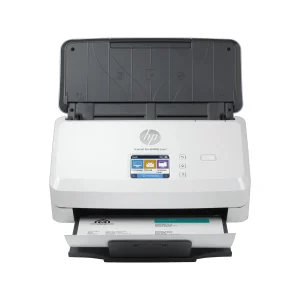
The HP ScanJet Pro N4000 snw1 takes the fast duplex engine of the 3000 s4 and sets it free from the desk. Same 40 pages a minute, same 80 images a minute duplex, same 50-sheet feeder — but now with Ethernet, Wi-Fi, Wi-Fi Direct and a 7.1 cm colour touchscreen on the front. It is a network scanner: one machine, shared by the whole office, reached from any computer or phone.
The difference shows up in use. With the 3000 s4, scanning means sitting at the connected PC. With the N4000, a team member walks up, taps a profile on the touchscreen, and the scan goes where it needs to go — no PC in between. A phone can scan over Wi-Fi Direct without a network or internet connection at all.
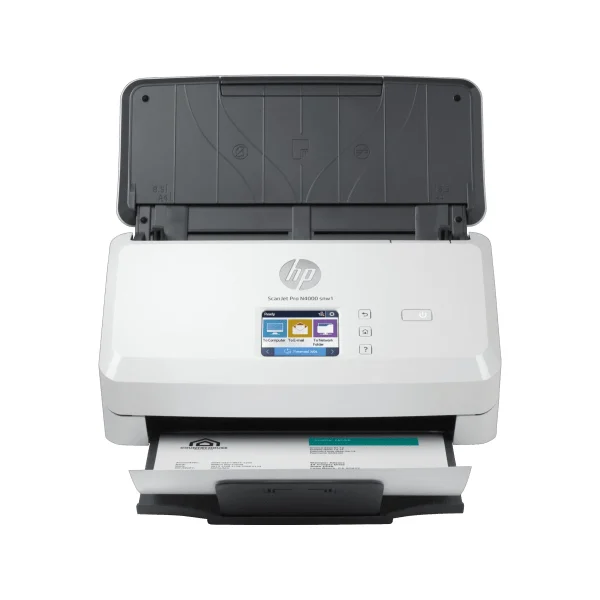
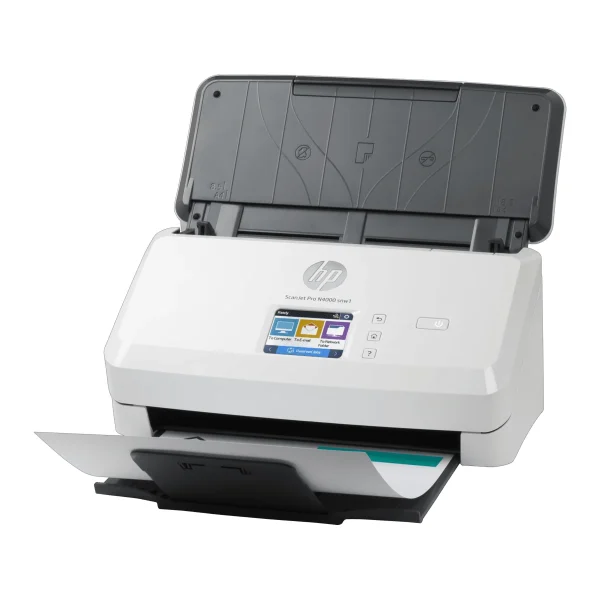
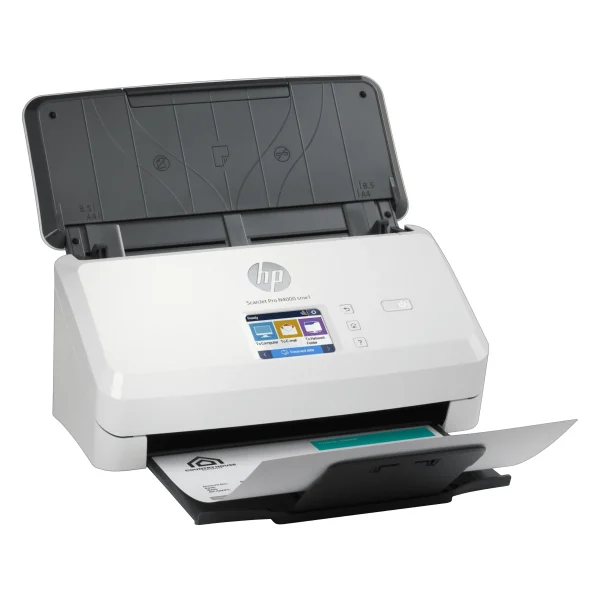
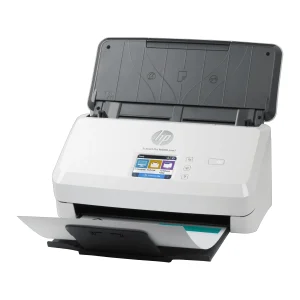
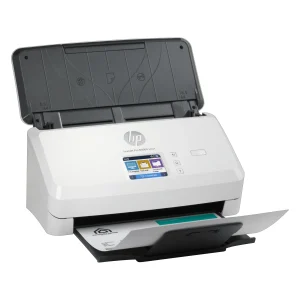
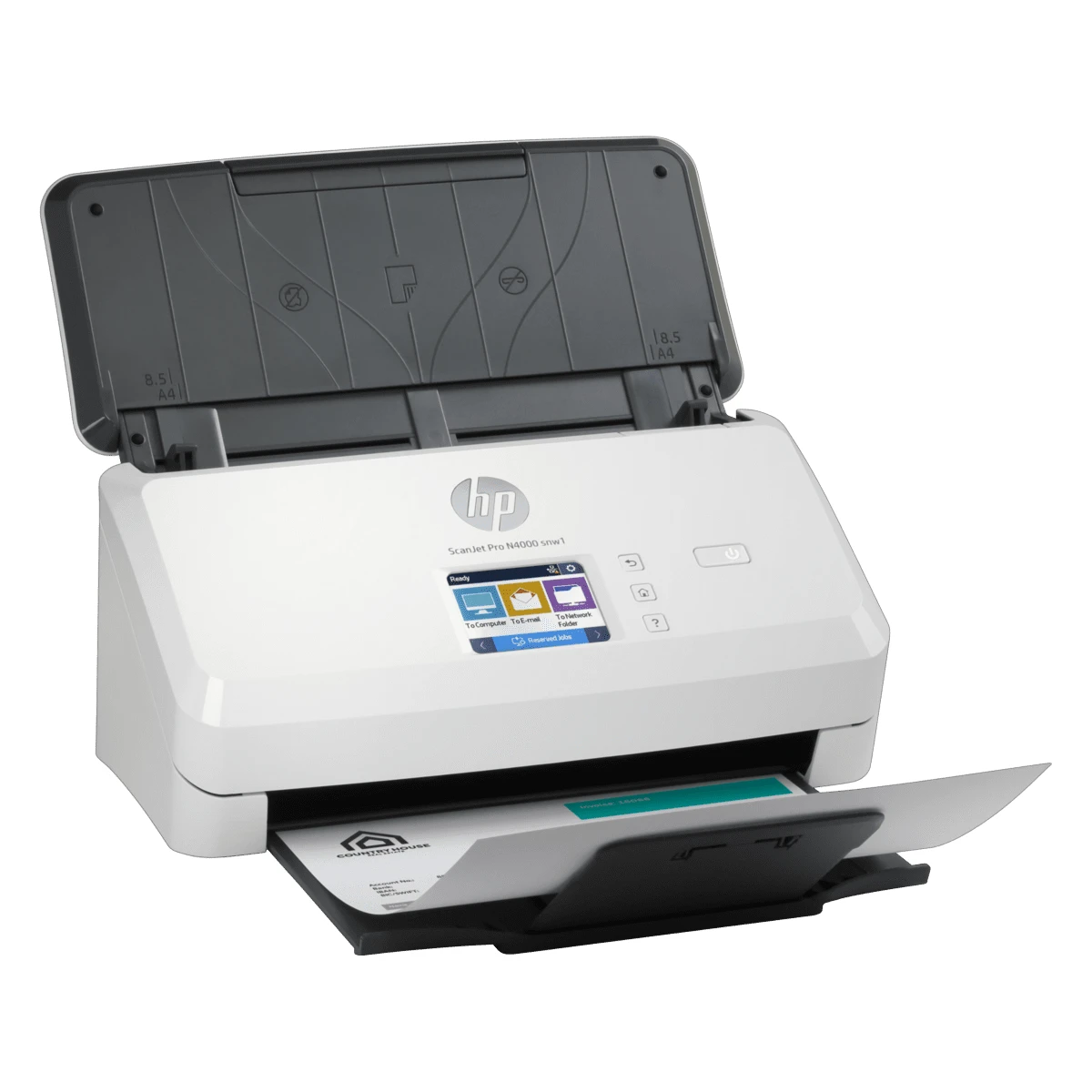
The body is the same slim sheetfed design as the 3000 s4: 300 x 172 x 154 mm and 2.8 kg, with a flip-up input tray and a front paper path. The touchscreen is the giveaway that this is the N4000 — the 3000 s4 has buttons only. HP EveryPage ultrasonic multi-feed detection watches the feeder, and built-in OCR turns scans into editable Word, Excel and PowerPoint files or searchable PDFs.
Key Benefits
The first benefit is the same speed as the 3000 s4, now shared. At 40 ppm simplex and 80 ipm duplex, a stack of double-sided documents clears fast, and the whole office can use that speed instead of one desk.
The second benefit is Wi-Fi and Wi-Fi Direct. A phone or laptop scans without a cable, a network, or an internet connection. In a meeting room or a branch office with no wired network, that is the difference between scanning and not scanning.
The third benefit is the touchscreen. The 7.1 cm colour screen with four buttons lets anyone start a scan, pick a profile and check the job at the device itself. No training, no PC, no waiting for the one person who knows how the scanner works.
The fourth benefit is Ethernet sharing with security built in. The scanner sits on the office network, and PIN-protected reserved jobs, user sign-in at the panel, encrypted scan data and TLS certificate validation keep sensitive documents private. Scan data is not stored on the device, which matters for offices handling confidential paperwork.
The fifth benefit is double the memory of the 3000 s4 — 512 MB — and the same HP EveryPage detection and built-in OCR, so heavy, mixed batches run reliably and come out searchable.
Features and Advantages
The scan engine is a CMOS contact image sensor with an LED light source and Instant-on Scanning, so there is no warm-up delay. Hardware resolution is 600 x 600 dpi, optical resolution up to 600 dpi, and output up to 1,200 ppi. The feeder takes media from 40 to 210 g/m² — cut sheet, pre-punched paper, bank checks, business cards, freight bills, carbonless forms and plastic cards up to 1.24 mm — with a maximum scan size of 216 x 3100 mm and a minimum of 50.8 x 50.8 mm. The recommended daily duty cycle is 4,000 pages.
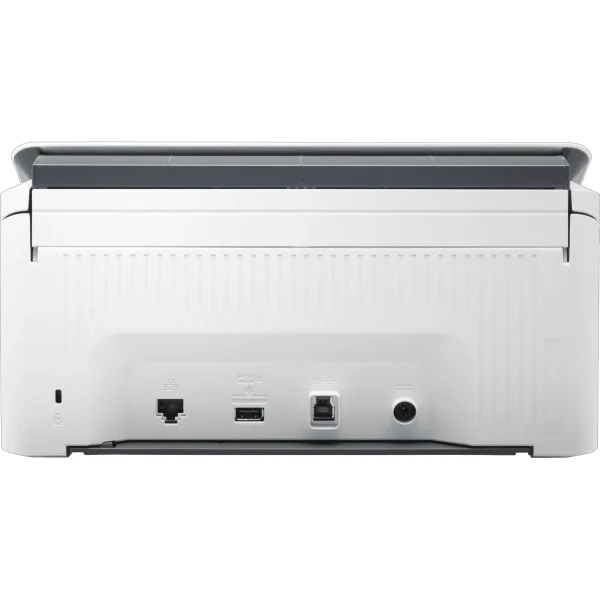
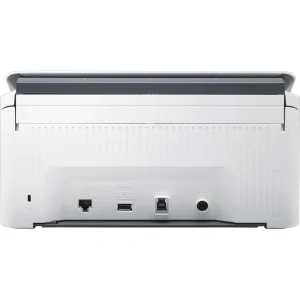
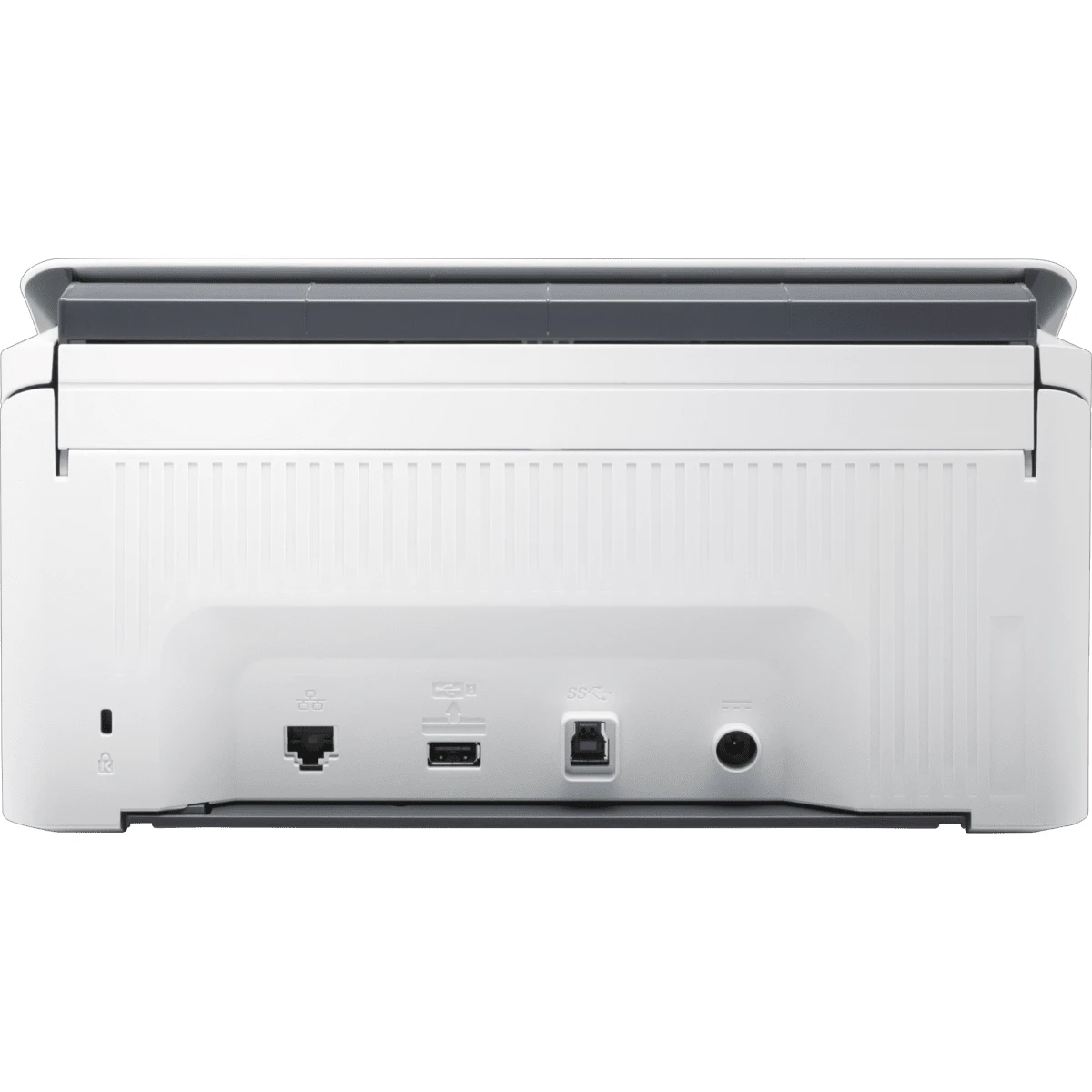
Connectivity covers every way an office works: Ethernet 10/100 Base-T for the network, USB 3.0 for a direct connection, Wi-Fi 802.11 b/g/n for wireless, and Wi-Fi Direct for phones. One honest note: the Wi-Fi is 802.11 b/g/n — the Wi-Fi 4 generation — so buyers should not expect the latest wireless standard. For an office scanner moving documents rather than video, that speed is more than enough.
Software is the full HP set: HP Scan, WIA and TWAIN drivers, the HP Scanner Tools Utility and OpenText ISIS, with built-in OCR. One-touch scan profiles handle routine jobs, and scanning from a mobile device works over Wi-Fi Direct. A router like the TP-Link ER605 Omada Gigabit VPN Router keeps the office network behind the scanner steady.
Power draw is 24 watts while scanning, 5.9 watts on ready and 1.8 watts in sleep, from an external power adapter. The scanner runs on 512 MB of memory with an ARM processor.
Ideal Users
Small offices that want one shared network scanner will get the most out of the N4000 snw1. Instead of a scanner tied to one desk, the whole team walks up, taps the screen and scans — and the office network does the rest.
Modern workflows scanning from phones and laptops are the second group. Wi-Fi Direct means a phone can scan without joining the office network, which suits visiting staff, auditors and anyone working from a meeting room.
Offices handling sensitive documents are the third group. PIN-protected jobs, encrypted scan data and no stored scan data on the device give a law firm, a clinic or an accounts department the control it needs. Pair it with a monitor like the HP EliteDisplay E240 23.8" IPS Monitor (Used) and the paperless desk is complete. For printing documents back out, the Canon imageCLASS MF3010 Laser Printer covers the desk.
Technical Specifications
| Specification | Details |
|---|---|
| Model | HP ScanJet Pro N4000 snw1 (6FW08A) |
| Scanner type | Sheetfed document scanner |
| Scan technology | CMOS CIS (Contact Image Sensor); LED light source |
| Scan speed (ADF) | Up to 40 ppm / 80 ipm (A4 and Letter; simplex 40 ppm, duplex 80 ipm; at 300 dpi) |
| Duplex scanning | Yes — single-pass two-sided scanning |
| ADF capacity | 50 sheets |
| Daily duty cycle | Recommended 4,000 pages per day |
| Scan resolution | Hardware 600 x 600 dpi; optical up to 600 dpi; output up to 1,200 ppi |
| Scan size (ADF) | Maximum 216 x 3100 mm; minimum 50.8 x 50.8 mm |
| Media weight (ADF) | 40–210 g/m² |
| Connectivity | Ethernet 10/100 Base-T; USB 3.0; Wi-Fi 802.11 b/g/n; Wi-Fi Direct |
| Control panel | 7.1 cm (2.8 inch) colour touchscreen + 4 buttons (sleep/power, home, back, help) |
| Software | HP Scan, HP WIA/TWAIN drivers (32/64-bit), HP Scanner Tools Utility, OpenText ISIS; built-in OCR |
| Security | Encrypted scan data; TLS server certificate validation; PIN-protected reserved scan jobs; user sign-in at panel with PIN; no non-volatile storage of scan data |
| Features | HP EveryPage (ultrasonic multi-feed detection), HP Instant-on Scanning, one-touch scan profiles, scan from mobile via Wi-Fi Direct |
| Dimensions | 300 x 172 x 154 mm (min); 300 x 410 x 310 mm (max, trays open) |
| Weight | 2.8 kg |
| Power | 24 W (scanning); 5.9 W (ready); 1.8 W (sleep); external power adapter |
| Warranty | One-year bench limited warranty, whole unit replacement (HP datasheet) |
FAQs
What is the difference between the N4000 snw1 and the 3000 s4? Same scan speed and ADF, but the N4000 adds Ethernet, Wi-Fi, Wi-Fi Direct, a colour touchscreen, double the memory (512 MB) and scan-server security. The 3000 s4 is USB-only with buttons only.
What does "snw1" mean? Sheetfed, network, Wi-Fi, first generation.
How many pages per day? Recommended 4,000 pages per day.
Can I scan from my phone? Yes — Wi-Fi Direct lets a mobile device scan without a network or internet connection.
What is the warranty? One-year bench limited warranty, whole unit replacement, as stated in HP's datasheet.
Why Buy From NexGenShop.pk?
NexGenShop.pk lists the HP ScanJet Pro N4000 snw1 at Rs 144,000 — a 40 ppm / 80 ipm network document scanner with a colour touchscreen, Ethernet and Wi-Fi, stated plainly with the facts buyers need: a 50-sheet feeder, a 4,000-page daily duty cycle, PIN-protected jobs, and a one-year bench limited warranty per HP. No inflated claims, no hidden extras. For new stock and offers, follow NexGenShop.pk on Facebook and Instagram.
Final Conclusion
The HP ScanJet Pro N4000 snw1 is the 3000 s4 set free: the same fast 40 ppm / 80 ipm duplex engine, now shared over Ethernet and Wi-Fi with a colour touchscreen anyone can walk up and use. At Rs 144,000 it turns scanning from one person's job into something the whole office does — with PIN protection and encryption for the documents that need it. If your office shares a scanner, this is the one to buy.





Reviews
There are no reviews yet.