

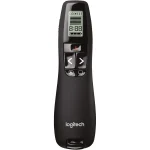
Logitech R400 Wireless Presenter Red Laser
₨7600.00
- Red Class 2 laser pointer (640–660 nm) that is easy to see against most backgrounds
- Up to 15 m wireless range — move away from the laptop and control slides freely
- Plug-and-play USB-A mini receiver, no software to install; receiver stores inside
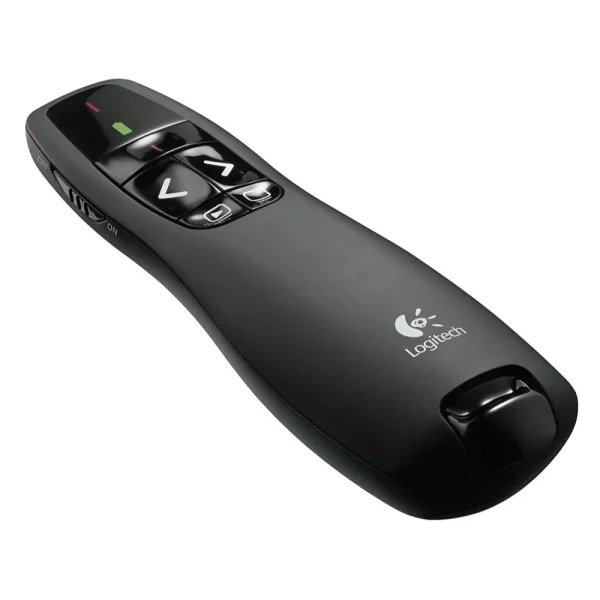
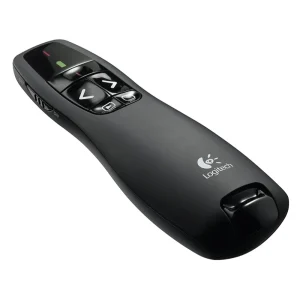
- Intuitive touch-feel buttons: next/previous, start, blank screen and laser
- Description
- Reviews (0)
Description
Overview
The Logitech R400 is a wireless presenter that does one job and does it without fuss: it lets you stand away from the laptop and run your slides. A bright red laser pointer, a 15-metre wireless range, and buttons you can find by touch. No software to install, no pairing to fight with, no screen to learn. Plug the little USB receiver into the laptop, pick up the remote, and present.
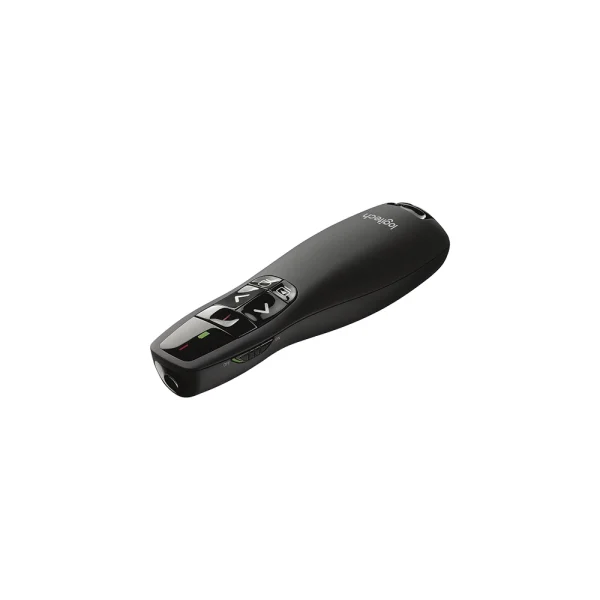
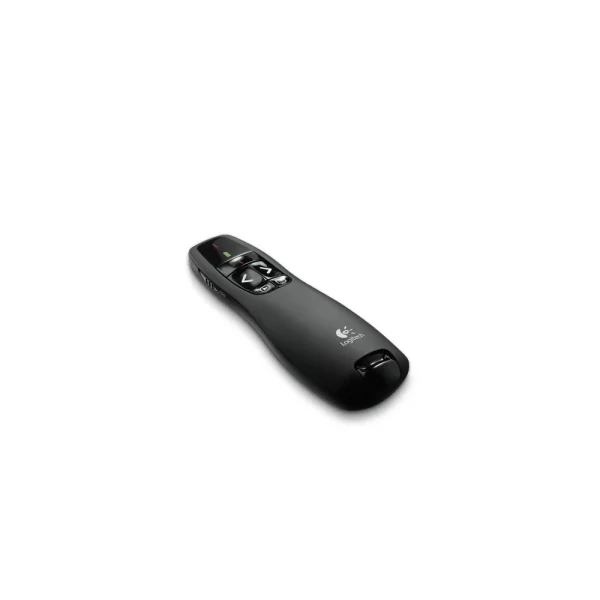
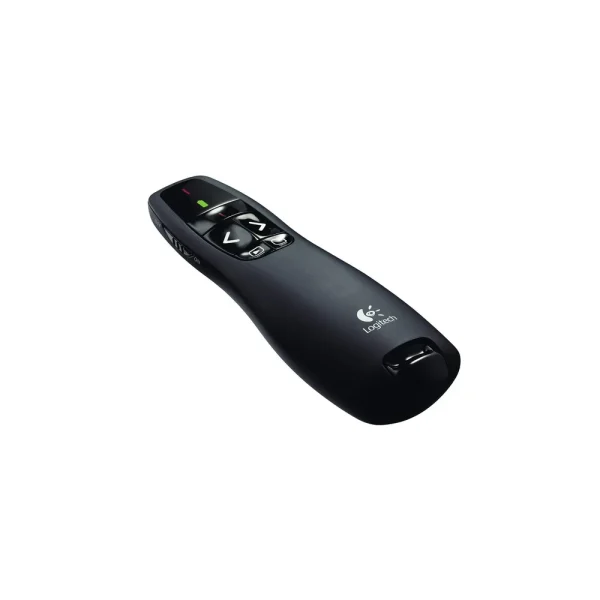
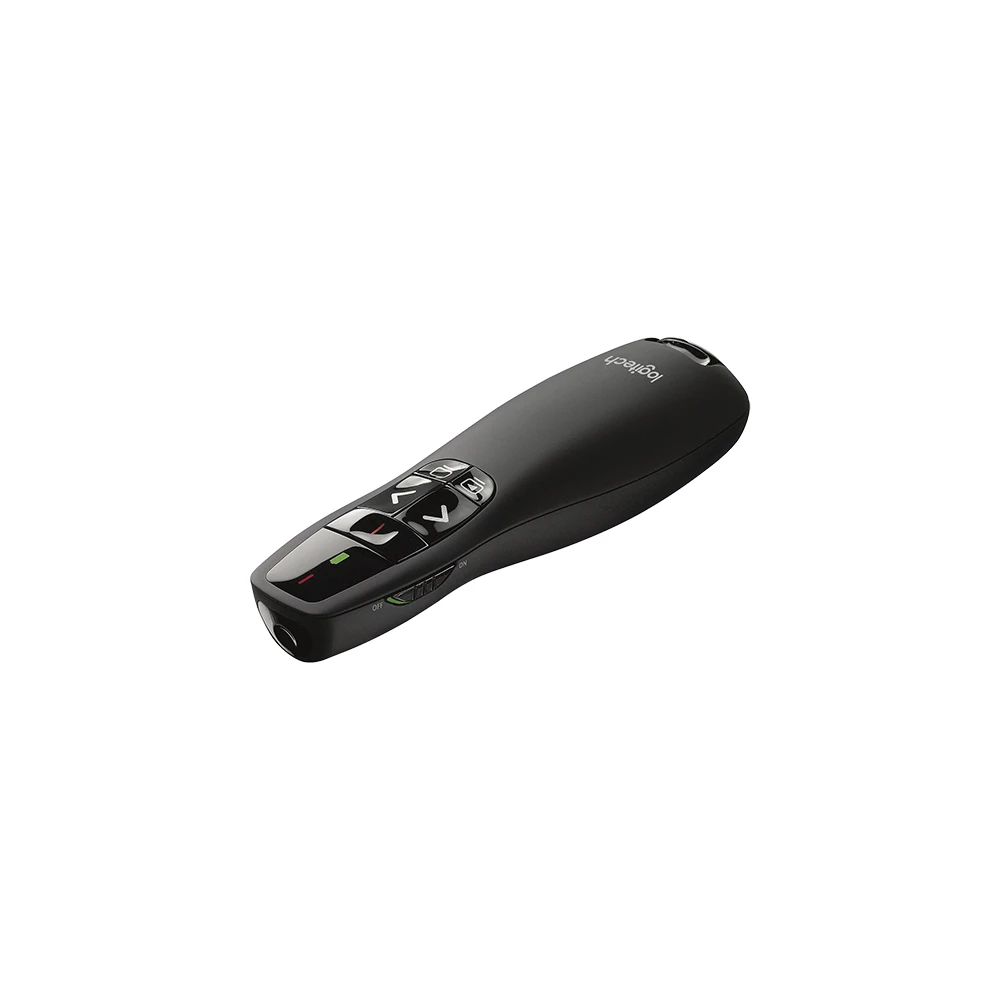
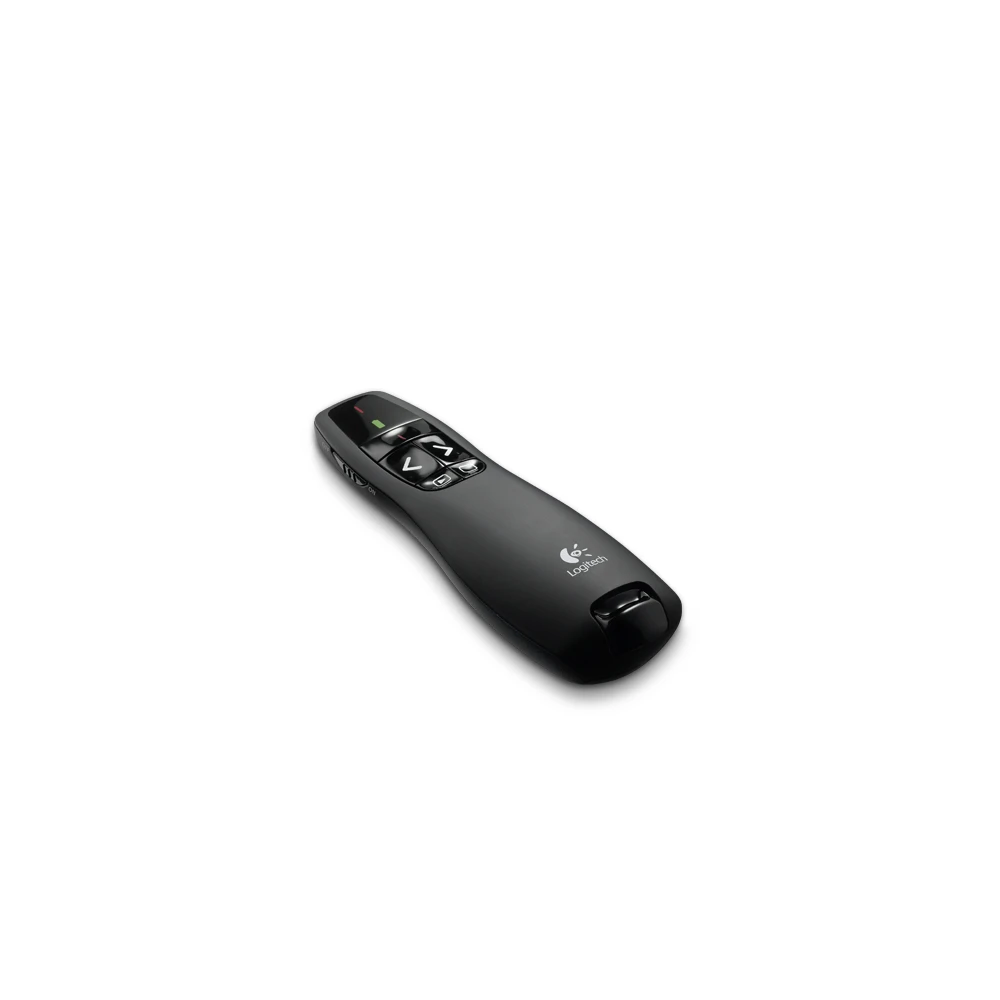
It is a small black remote, 37.8 × 115.5 × 27.4 mm and 57 grams with its batteries in — light enough to hold for an hour-long lecture, and small enough to slip into a bag. The USB mini receiver docks inside the presenter itself, so it does not get lost between rooms, and a carrying case is included in the box.
The R400 is a 2009 design, and that shows in one honest way: the receiver is USB-A only. A laptop with only USB-C ports needs a separate USB-C to USB-A adapter, which is not included. On a Windows laptop with a USB-A port, though, it simply works — plug and play, no driver, no download. Range is up to 50 feet, 15 metres, with the receiver in clear sight of the presenter.
Key Benefits
The first benefit is freedom to move. Fifteen metres of wireless range means you are not chained to the laptop on the desk.
The second benefit is the laser. A bright red Class 2 laser pointer, 640–660 nm, under 1 mW, that is easy to see against most backgrounds. Point at the chart, circle the number, bring the room’s eyes to the one line that matters — without walking up to the screen and blocking it.
The third benefit is that it needs nothing from you. No software to install, no Bluetooth pairing, no account. The receiver is USB-A, the remote sends standard slideshow keys, and PowerPoint responds to them directly.
The fourth benefit is the buttons. Next slide, previous slide, start presentation, blank screen, laser — each one is shaped and placed so you can find it by touch without looking down.
Features and Advantages
The button layout is the heart of this presenter. The next and previous slide buttons sit under the thumb, with the laser button alongside them. F5 starts the presentation and ESC ends it, and a blank-screen button cuts the display to black when you want the room’s attention back on you instead of the slide.
The wireless side is 2.4 GHz RF through a cordless USB mini receiver, USB 2.0 Full Speed, USB-A. The receiver is tiny — 16.5 × 58.6 × 7.9 mm, 6 grams — and it stores inside the presenter when not in use. There is no pairing step and no software: the receiver and the remote are made for each other, and the laptop sees standard slideshow keys.
Power comes from two AAA alkaline batteries, included in the box. They are replaceable, not rechargeable, and Logitech’s datasheet rates them at a 1,050-hour maximum for the presenter and a 20-hour maximum for the laser — maximum figures, so real life depends on how much you use the laser. An on/off switch on the side stops the batteries draining in the bag, and the LED shows battery and power status at a glance. There is no LCD display on the R400. If a timer and a screen matter to you, that is what the bigger Logitech R800 is for.
Ideal Users
Teachers and lecturers will get the most out of the R400. In a classroom, the combination of a red laser, 15 metres of range and touch-feel buttons covers the whole lesson: point at the diagram, advance the slides, blank the screen when the class needs to look at you.
Trainers and business presenters are the second group. A sales pitch, a training session, a board meeting — anywhere the presenter needs to move around the room instead of standing behind a laptop. The plug-and-play setup matters here: walk into a client’s meeting room, plug in the receiver, and present. No IT support needed.
Students presenting in class are the third group. A final-year project, a seminar, a group presentation — the R400 is cheap enough to own, simple enough to use without practice, and light enough to carry every day. One limit to know before ordering: Logitech Support states the R400 is not supported on Macintosh operating systems, so this is a Windows presenter.
A presenter works best in a room set up for it: the TP-Link Tapo C200 Pan/Tilt Wi-Fi Camera watches the room, the TP-Link EAP225-Wall access point covers it with Wi-Fi, and the TP-Link ER605 router keeps the office network running.
Technical Specifications
| Specification | Details |
|---|---|
| Model | Logitech Wireless Presenter R400 |
| Part numbers | 910-001354 (US), 910-001356 (EU), 910-001361 (PK listing) — regional variants of the same model |
| Laser | Class 2 red laser, 640–660 nm, max output < 1 mW |
| Wireless range | Up to 50 ft (15 m) |
| Wireless technology | 2.4 GHz RF, cordless USB mini receiver (USB-A, USB 2.0 Full Speed) |
| Receiver storage | Stores inside the presenter |
| Battery | 2× AAA alkaline (included), replaceable, NOT rechargeable |
| Battery life | Presenter 1,050-hour max; laser pointer 20-hour max (may vary with use/computing conditions) |
| Buttons | Laser, Previous, Next, F5/ESC (start presentation), Blank Screen |
| Indicator lights (LED) | Battery/Power, Laser |
| On/Off switch | Yes, side switch |
| LCD display | None |
| Plug-and-play | Yes — no software to install |
| Dimensions (presenter) | 37.8 × 115.5 × 27.4 mm (1.49 × 4.55 × 1.08 in) |
| Weight (presenter, with batteries) | 57 g (2.01 oz) |
| Receiver size / weight | 16.5 × 58.6 × 7.9 mm, 6 g |
| Colour | Black (body), red laser |
| In the box | R400 presenter, wireless mini receiver, 2× AAA batteries, carrying case, quick-start guide |
| OS support | Windows 10, 11 or later |
| Software compatibility | PowerPoint — confirmed. Keynote/macOS — NOT supported (Logitech Support) |
FAQs
What is the wireless range of the Logitech R400? Up to 50 feet (15 metres) with the receiver in clear sight of the presenter. One Logitech datasheet reproduced by retailers states an operating distance of about 10 m — range may vary with use, environment and computing conditions, so 15 m is the headline maximum, not a guaranteed distance in every room.
What batteries does the R400 use? Two AAA alkaline batteries, included in the box. They are replaceable and not rechargeable.
Does the R400 work with PowerPoint? Yes — it is designed for PowerPoint slideshow control (next/previous slide, start, blank screen) and works plug-and-play with no software to install.
Does the R400 work with a USB-C-only laptop? Not directly — the receiver is USB-A. A USB-C-only laptop needs a separate USB-C to USB-A adapter, which is not included in the box.
Does the R400 have a timer or LCD screen? No — it has no LCD display. For a timer and LCD, see the Logitech R800.
Why Buy From NexGenShop.pk?
NexGenShop.pk lists the Logitech R400 at Rs 7,600 with the full box contents as Logitech ships them — the presenter, the wireless mini receiver, two AAA batteries, the carrying case and the quick-start guide. The listing states the facts plainly: USB-A receiver, Windows only, AAA batteries, and a 15-metre headline range that may vary by room — so there is no surprise after the order arrives. The team can help before you buy if you are unsure whether the R400 or the bigger R800 fits your presentations. For new stock and offers, follow NexGenShop.pk on Facebook and Instagram.
Final Conclusion
The Logitech R400 is a presenter that stays out of your way. For Rs 7,600 it gives you a bright red laser, 15 metres of wireless freedom, buttons you can use without looking, and a receiver that docks inside the remote so it never gets lost. No software, no pairing, no screen to learn — plug it in and present. It is a Windows presenter with a USB-A receiver, and within those honest limits it is one of the simplest, most reliable presentation tools you can own.





Reviews
There are no reviews yet.