

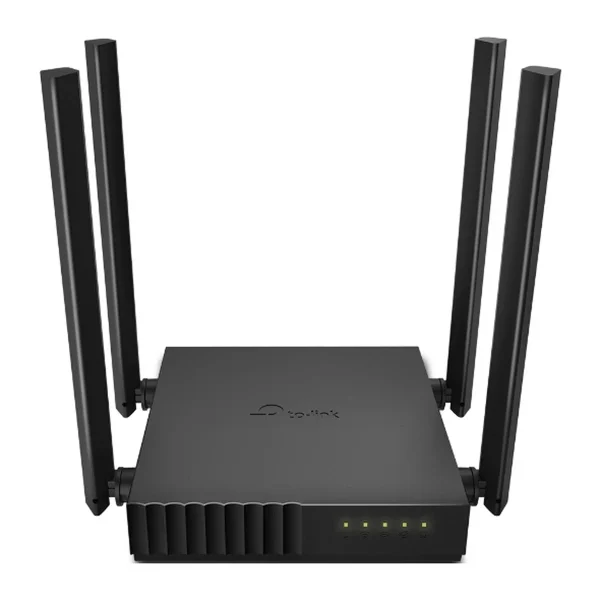
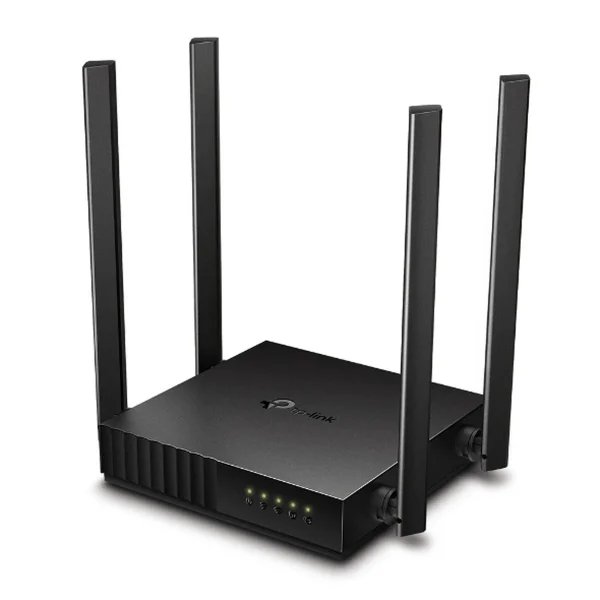

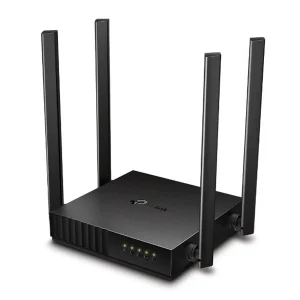


TP-Link Archer C54 AC1200 Dual-Band Router
₨8399.00
- AC1200 dual-band Wi-Fi — 867 Mbps on 5 GHz + 300 Mbps on 2.4 GHz
- 4 fixed antennas with beamforming & 2×2 MU-MIMO for stable coverage
- Router, Access Point & Range Extender modes in one compact unit
- Parental controls, QoS by device & guest network for family homes
- Description
- Reviews (0)
Description
Overview
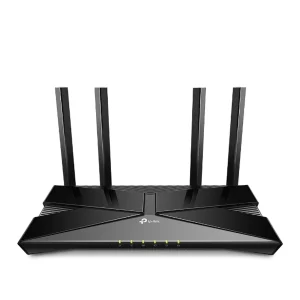
The TP-Link Archer C54 AC1200 Dual-Band Router is a compact, palm-sized Wi-Fi 5 router built for flats and small homes that need fast, dependable wireless on both bands. It delivers combined speeds of up to 1200 Mbps — 867 Mbps on the 5 GHz band and 300 Mbps on the 2.4 GHz band — so HD streaming, video calls, online classes and everyday browsing all run smoothly, even when several devices are connected at once.
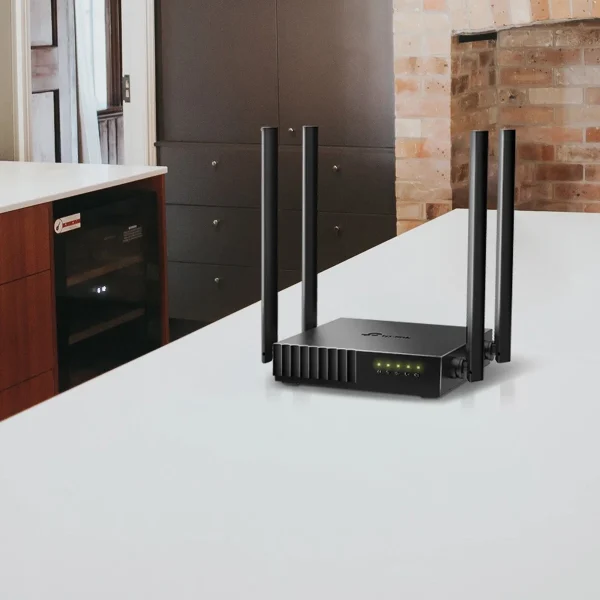
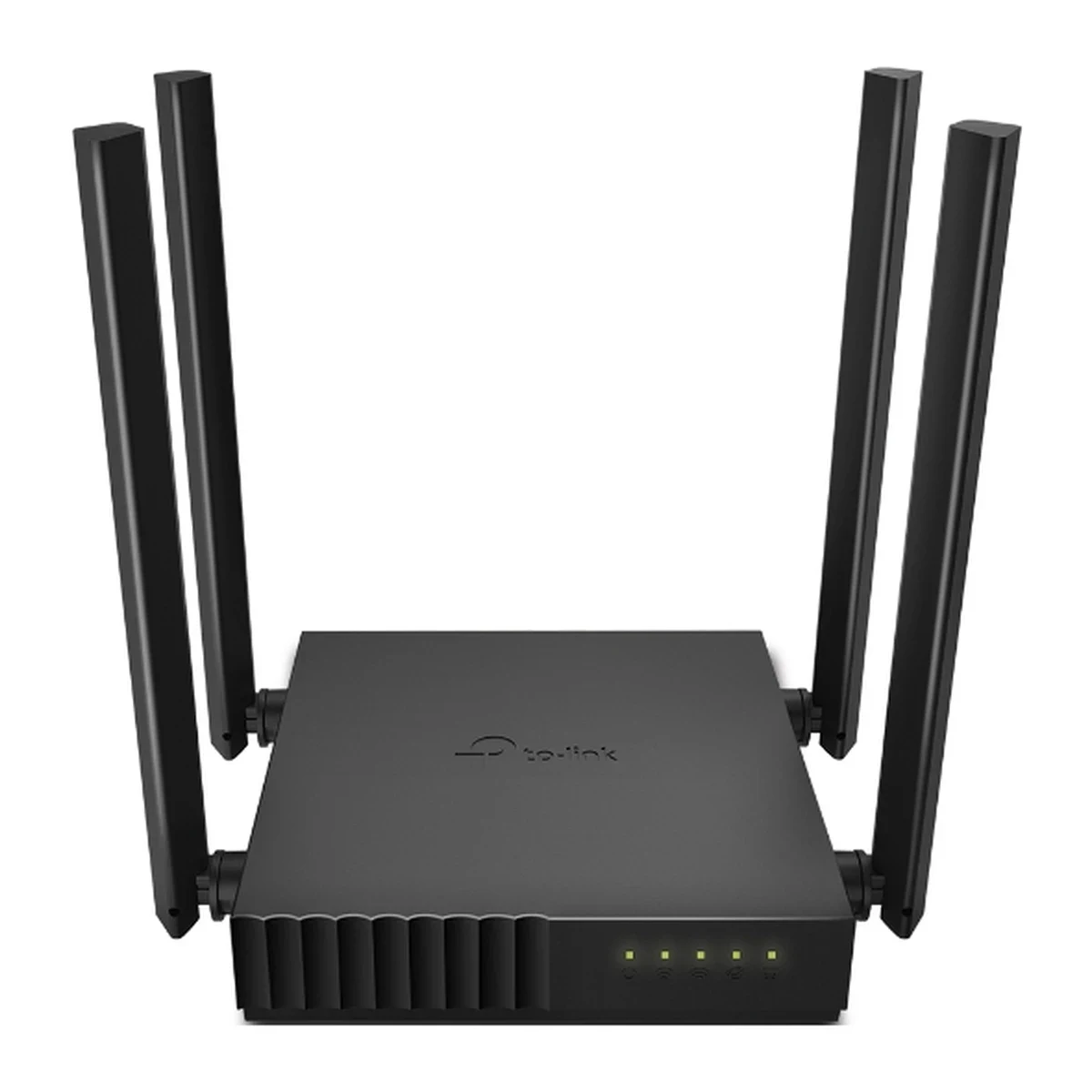
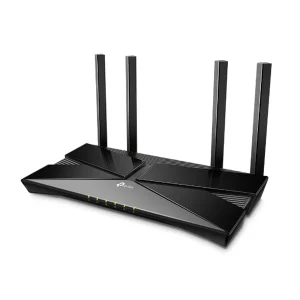
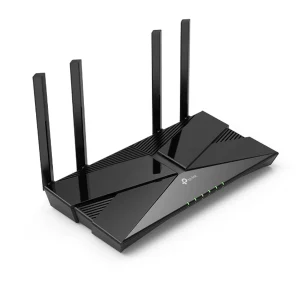
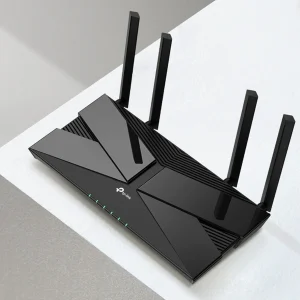
Four fixed omni-directional antennas with beamforming focus the signal towards your devices, giving steadier coverage across rooms. 2×2 MU-MIMO talks to multiple compatible devices at the same time, keeping latency low when the whole family is online. Setup takes minutes through the intuitive web interface or the TP-Link Tether app, and at just 115 x 106.7 x 24.3 mm the router sits neatly on any shelf, desk or TV unit.
Key Benefits
- AC1200 dual-band speed: Up to 867 Mbps on 5 GHz for 4K streaming and gaming, plus up to 300 Mbps on 2.4 GHz for browsing, email and smart-home devices.
- Steadier coverage: Four fixed antennas with beamforming concentrate the signal towards connected devices, including ones that are far away or low-powered.
- Less waiting, more doing: 2×2 MU-MIMO serves multiple devices simultaneously, so concurrent streams stay smooth.
- Three working modes: Use it as a router, an access point, or a range extender to fit almost any home network layout.
- Family-friendly controls: Parental controls, QoS by device and a separate guest network keep your home network organised and secure.
Detailed Features of the TP-Link Archer C54 AC1200 Dual-Band Router
Dual-band Wi-Fi is the C54’s core strength: the faster 5 GHz band suits 4K video, gaming and large downloads, while the longer-reaching 2.4 GHz band handles everyday devices. Splitting devices across bands reduces congestion and keeps each connection at its best.
Coverage comes from four fixed omni-directional antennas working with beamforming technology. In a typical flat, that means a phone in the bedroom or a smart TV in the lounge holds a stronger, more stable signal instead of dropping out at the edges of the network. MU-MIMO then makes sure that when two compatible devices stream at once, both are served together rather than one after the other, so neither stream stutters.
Flexibility is built in: Router mode connects directly to your modem or fibre terminal, Access Point mode turns a wired network into wireless coverage, and Range Extender mode rebroadcasts an existing Wi-Fi signal further. Add WPA/WPA2/WPA3 encryption, an SPI firewall, parental controls, QoS by device, IPv6 and IPTV optimisation (IGMP Proxy/Snooping, Bridge, Tag VLAN), and you have a small router covering the features most homes need.
- Wi-Fi 5 (802.11ac) dual-band: IEEE 802.11ac/n/a on 5 GHz and IEEE 802.11n/b/g on 2.4 GHz.
- AC1200 wireless speeds: Up to 867 Mbps (5 GHz) + up to 300 Mbps (2.4 GHz).
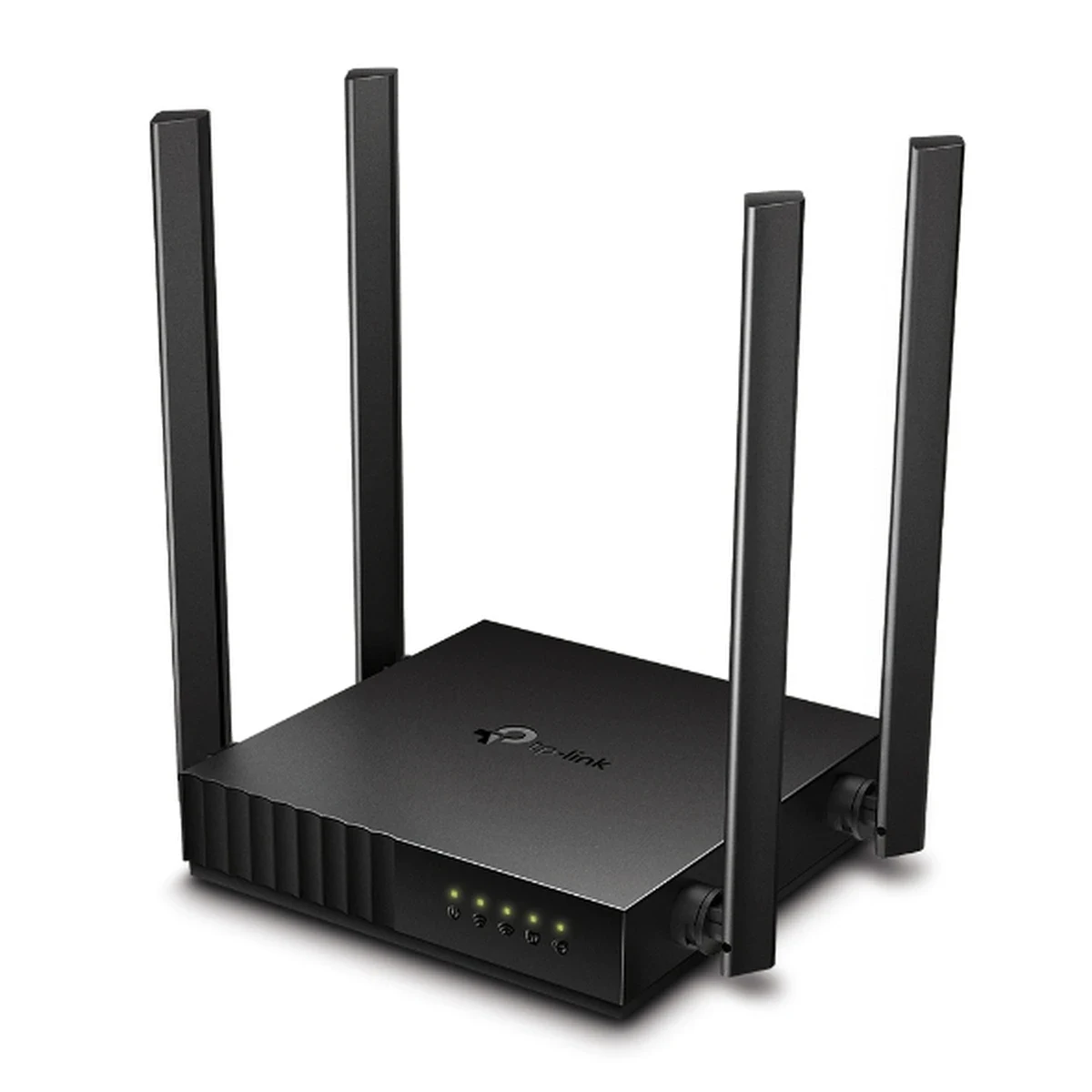
- 4 fixed omni-directional antennas: A signal-boosting array for wider, more stable coverage.
- Beamforming: Concentrates wireless signal strength towards clients to expand usable range.
- 2×2 MU-MIMO: Communicates with multiple MU-MIMO clients at the same time.
- Three modes: Wireless Router, Access Point and Range Extender.
- Guest networks: One 5 GHz guest network and one 2.4 GHz guest network, separate from your main network.
- Parental controls: URL filtering and time controls manage when and how devices access the internet.
- QoS by device: Prioritise the devices that matter most, such as a work laptop or a gaming console.
- Security: WPA/WPA2/WPA3 encryption, SPI firewall, access control, IP and MAC binding and application layer gateway.
- IPTV and IPv6: IGMP Proxy/Snooping, Bridge and Tag VLAN for IPTV streaming, plus IPv6 support for newer ISP setups.
If you need full Gigabit wired ports, compare the Archer C64 or the Archer C6, and for a future-proof Wi-Fi 7 upgrade see the Archer BE400.
Technical Specifications
| Specification | Details |
| Model | TP-Link Archer C54 |
| Wi-Fi Standard | Wi-Fi 5 (IEEE 802.11ac/n/a 5 GHz, IEEE 802.11n/b/g 2.4 GHz) |
| Wireless Speed | AC1200: up to 867 Mbps (5 GHz) + up to 300 Mbps (2.4 GHz) |
| Antennas | 4 x fixed omni-directional antennas |
| Wireless Features | Beamforming, 2×2 MU-MIMO, dual-band |
| Ethernet Ports | 1 x 10/100 Mbps WAN port, 4 x 10/100 Mbps LAN ports |
| Operating Modes | Wireless Router, Access Point, Range Extender |
| Wi-Fi Encryption | WPA/WPA2/WPA3 |
| Network Security | SPI firewall, access control, IP and MAC binding, application layer gateway |
| Parental Controls | URL filtering, time controls |
| QoS | QoS by device |
| Guest Network | 1 x 5 GHz guest network, 1 x 2.4 GHz guest network |
| IPTV | IGMP Proxy/Snooping, Bridge, Tag VLAN |
| Protocols | IPv4, IPv6 |
| Management | Web interface, TP-Link Tether app |
| Buttons | WPS/Reset button |
| Power Supply | 9V ⎓ 0.85A |
| Dimensions (W x D x H) | 115 x 106.7 x 24.3 mm |
Ideal Users
- Small homes and flats: A compact router that covers a typical apartment without taking up space.
- Families: Parental controls, guest Wi-Fi and QoS by device keep everyone’s connection organised.
- Students and remote workers: Stable dual-band Wi-Fi for online classes, video meetings and study.
- Streamers and casual gamers: The 5 GHz band handles HD and 4K video plus low-latency gaming.
- Budget upgraders: A big step up from an old single-band router or a basic ISP unit, at a modest price.
What’s in the Box
- TP-Link Archer C54 AC1200 Dual-Band Router
- Power adapter
- RJ45 Ethernet cable
- Quick installation guide
FAQs
Q1: Is the Archer C54 good for a fibre connection in Pakistan?
A: Yes, for typical home fibre and DSL plans. Connect the WAN port to your modem or fibre terminal and the router shares the connection over dual-band Wi-Fi. Note its Ethernet ports are 10/100 Mbps, so wired devices cap at 100 Mbps — for full speed over cable on faster plans, consider a Gigabit model such as the Archer C64.
Q2: What is the difference between the 5 GHz and 2.4 GHz bands?
A: The 5 GHz band is faster and clearer, best for streaming and gaming near the router. The 2.4 GHz band reaches further through walls and suits browsing, email and smart-home devices. The C54 broadcasts both, so you can put each device on the band that suits it.
Q3: Can I use the Archer C54 as a Wi-Fi extender?
A: Yes. Alongside Router mode it offers Access Point mode and Range Extender mode, so it can extend an existing wired or wireless network to rooms with weak coverage.
Q4: Does it support MU-MIMO and beamforming?
A: Yes. It supports 2×2 MU-MIMO, which serves multiple compatible devices simultaneously, and beamforming, which focuses signal strength towards connected devices for a more stable connection.
Q5: How do parental controls work on the C54?
A: Through URL filtering and time controls you can block inappropriate content and set daily limits for how long children spend online, managed from the web interface or the Tether app.
Q6: Is setup difficult for a first-time user?
A: No. Setup takes minutes via the intuitive web interface or the Tether app on Android or iOS — connect the router, follow the wizard, set your Wi-Fi name and password, and you are online.
Why Buy from NexGenShop
When you buy the TP-Link Archer C54 from NexGenShop, you get a 100% genuine, brand-new unit sourced through official channels — no grey imports, no refurbished surprises. Every router is checked before dispatch, packed securely, and shipped quickly anywhere in Pakistan with reliable courier tracking. Our team understands home networking: if you need help choosing between dual-band and Gigabit models, setting up Access Point mode, or configuring parental controls, pre-sales technical guidance is free. We offer competitive pricing, safe payment options, and responsive after-sales support for warranty claims and setup questions. Follow our latest deals and new arrivals on Facebook and Instagram. For dependable home Wi-Fi backed by a store that knows the technology, NexGenShop is the safe choice.

Reviews
There are no reviews yet.