

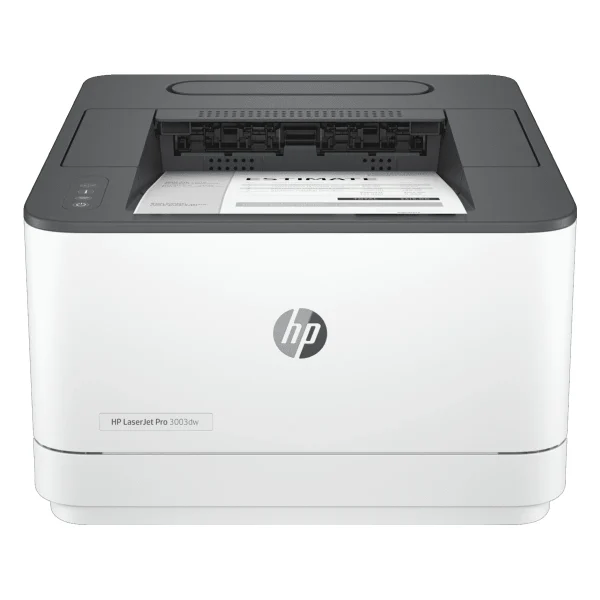
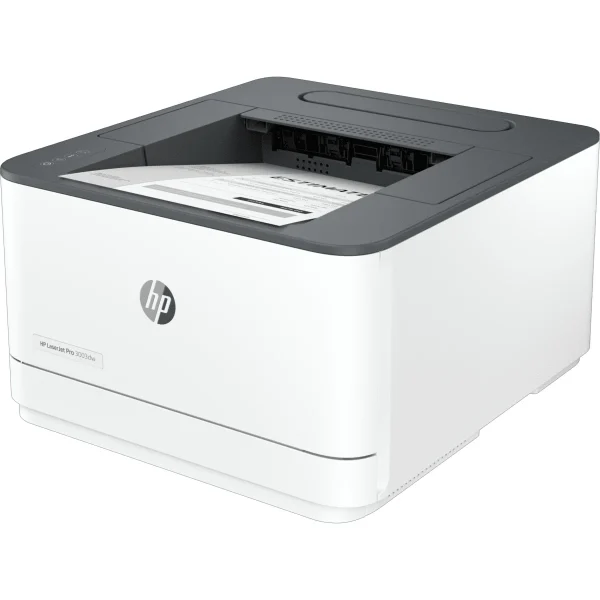
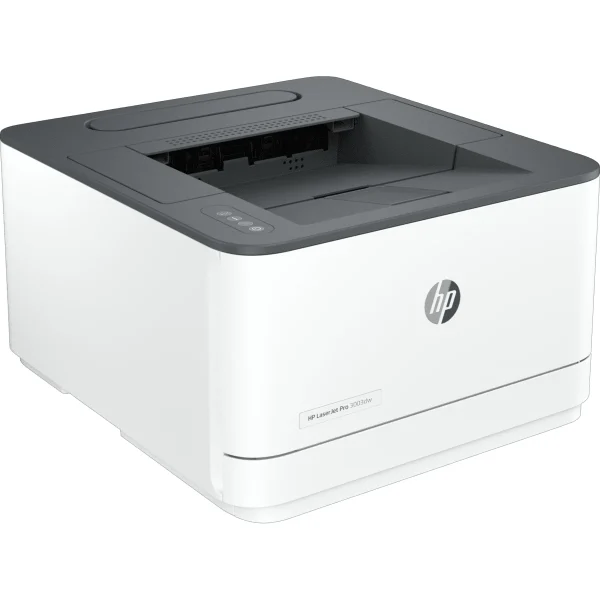
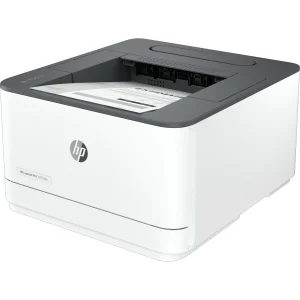
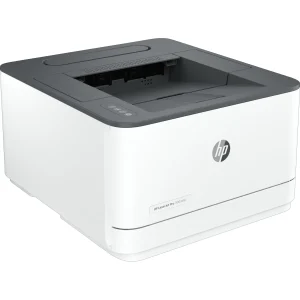
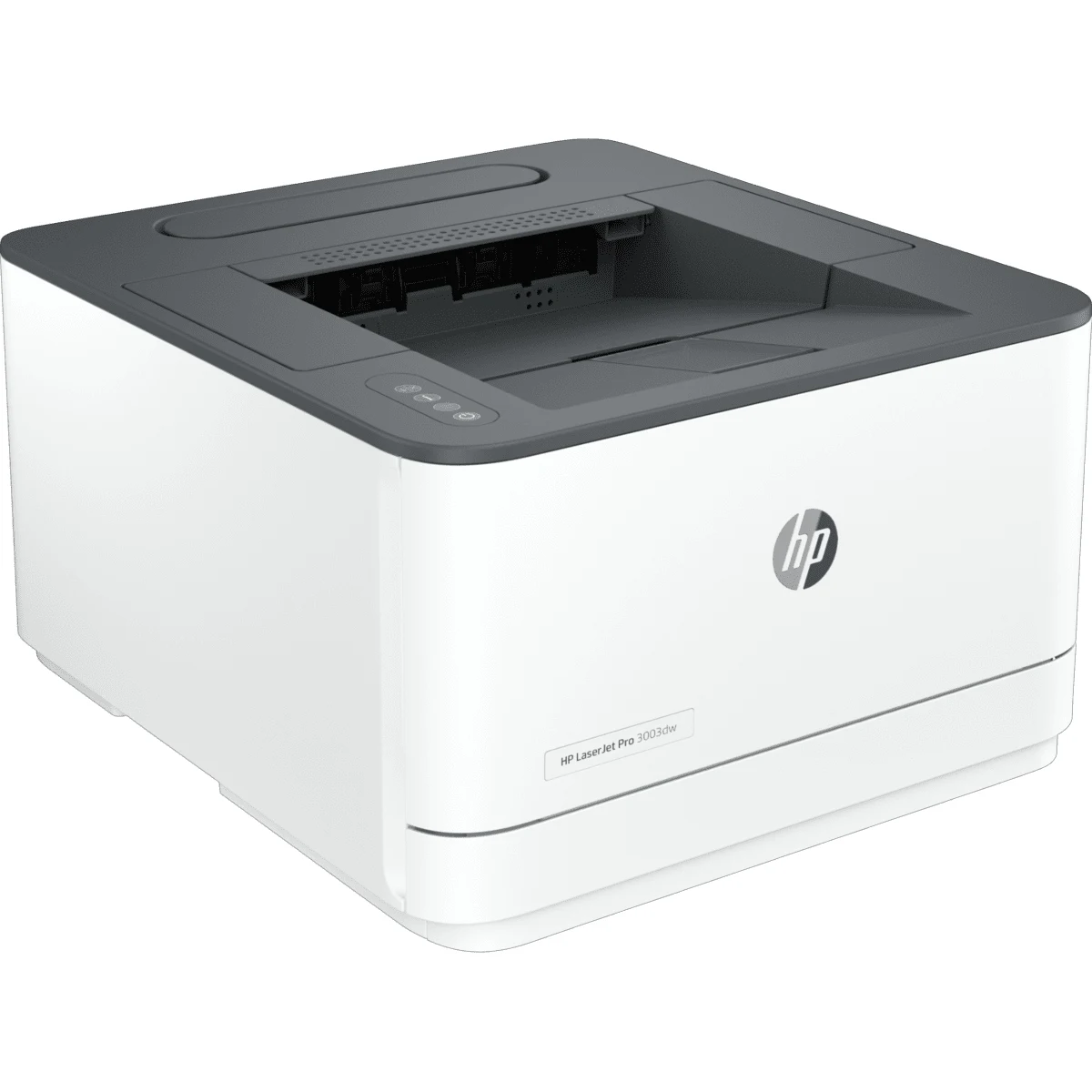
HP LaserJet Pro 3003dw Wireless Printer


₨98000.00
- Monochrome laser printer — up to 33 ppm A4 with automatic two-sided printing
- Dual-band Wi-Fi with self-heal, Wi-Fi Direct and Bluetooth LE for wireless printing
- 50,000-page monthly duty cycle for steady small-office use
- 1200 x 1200 dpi output with high-yield 145X toner (~3,800 pages)
- Description
- Reviews (0)
Description
Overview
The HP LaserJet Pro 3003dw is the wireless twin of the 3003dn — the same fast monochrome workhorse, with dual-band Wi-Fi added on top. It prints up to 33 pages a minute on A4 and 35 on Letter, with automatic two-sided printing at up to 20 images a minute, and it does it from any phone, laptop or desktop in the office, wired or wireless.
That wireless freedom is the reason to choose the dw over the dn. It connects over dual-band Wi-Fi 802.11b/g/n on 2.4 and 5 GHz, with Bluetooth Low Energy, Wi-Fi Direct and self-heal Wi-Fi, which restores a dropped connection on its own. A laptop across the office, a phone in a meeting room, a tablet at reception — all print without a cable.
Everything else is identical to the dn, and that is a strength, not a compromise. The same 1200 x 1200 dpi output, the same 50,000-page monthly duty cycle, the same 250-sheet tray and the same HP 145A and 145X toner. Buyers choosing between the two models are really answering one question: does the office need Wi-Fi? If the answer is yes, this is the model.
Key Benefits
The first benefit is wireless printing that actually works. Dual-band Wi-Fi covers both the crowded 2.4 GHz band and the faster 5 GHz band, and self-heal Wi-Fi fixes connection drops without anyone opening a settings menu. Wi-Fi Direct lets a guest print without joining the office network at all.
The second benefit is the same raw speed as the dn. At 33 ppm with auto duplex at 20 ipm, the 3003dw clears a print queue fast, and the first page is out in as fast as 7 seconds from ready. Nothing about adding wireless slows the printer down.
The third benefit is durability. A 50,000-page monthly duty cycle with a recommended volume of 350 to 2,500 pages a month means the printer is built for steady office use, and the 800 MHz processor with 256 MB of memory keeps large jobs moving.
The fourth benefit is low cost per page. The high-yield HP 145X cartridge prints around 3,800 pages, and automatic duplex halves paper use on two-sided documents. HP’s EcoSmart toner is also rated to save up to 20 percent on energy, which adds up across a year of office printing.
The fifth benefit is modern management. The HP Smart app sets the printer up from a phone, with Shortcuts for routine jobs and Smart Admin for the person who looks after the office network. Apple AirPrint and Mopria mean phones and tablets print without extra software.
Features and Advantages
The wireless side is where this printer earns its price over the dn. Dual-band Wi-Fi 802.11b/g/n works on both bands, Bluetooth LE handles setup from a phone, and Wi-Fi Direct creates a direct link between a device and the printer — handy for visitors. HP ROAM for Business adds cloud-based printing for teams across more than one location.
Wired connectivity is still there for offices that want it. The Ethernet port is 10/100 — not Gigabit, despite one retail listing claiming otherwise — and Hi-Speed USB 2.0 covers the single-computer desk. HP’s own datasheet and three regional product pages all confirm the 10/100 figure, so buyers should plan their network around that speed.
Paper handling matches the dn exactly: a 250-sheet input tray or 10 envelopes, a 150-sheet output tray, and media from A4 down to A6 and B6, plus Oficio, 16K, envelopes and postcards at 60 to 163 g/m², with custom sizes from 76 x 127 mm to 216 x 356 mm.
The toner story matches the dn. The printer ships with a preinstalled introductory cartridge good for around 1,000 pages, then takes the HP 145A Black at around 1,700 pages or the high-yield HP 145X at around 3,800 pages — the HP Asia store figure, which is the one that applies here.
Ideal Users
Small offices and workteams of up to seven users will get the most out of the 3003dw. When the printer sits in a corner and the team prints from laptops and phones, wireless is not a nice extra — it is how the printer gets used at all. A router like the TP-Link ER605 Omada Gigabit VPN Router keeps that office network steady behind it.
Hybrid and home offices are the second group. A printer that lives away from the desk — in a hallway, a spare room, a shop back office — still needs to be reachable, and Wi-Fi makes that possible without running a cable through the house.
Buyers choosing between the dn and the dw are the third group. The two printers are identical in every spec except connectivity, so the choice comes down to one thing: pay a little more for wireless, or save the money and stay wired. If the office is already wired and nobody prints from a phone, the dn is the better buy. If colour is ever needed, the Epson EcoTank L3556 Ink Tank Printer is a low-cost colour option, while the Canon imageCLASS MF3010 Laser Printer suits a lighter workload.
Technical Specifications
| Specification | Details |
|---|---|
| Model | HP LaserJet Pro 3003dw (3G654A) |
| Functions | Print only (no copy, scan or fax) |
| Print technology | Laser, monochrome |
| Print speed (ISO) | Up to 33 ppm A4 / 35 ppm Letter; duplex up to 20 ipm A4 / 21 ipm Letter |
| First page out | As fast as 7.0 sec (ready, A4); 6.6 sec (Letter) |
| Print resolution | Up to 1200 x 1200 dpi (best); 600 x 600 dpi (normal) |
| Duplex printing | Automatic (standard) |
| Monthly duty cycle | Up to 50,000 pages; recommended 350–2,500 pages/month |
| Paper handling | 250-sheet input tray (or 10 envelopes); 150-sheet output tray |
| Media weight | 60–163 g/m² |
| Connectivity | Hi-Speed USB 2.0; 10/100Mbps Ethernet; dual-band Wi-Fi 802.11b/g/n (2.4/5 GHz); Bluetooth LE |
| Wireless features | Self-heal Wi-Fi; Wi-Fi Direct printing; HP Smart App; Apple AirPrint; Mopria Certified; HP ROAM for Business |
| Print languages | PCL5c, PCL6, PS, PCLmS, PDF, URF, PWG, PCLm |
| Toner | HP 145A Black (W1450A, ~1,700 pages); HP 145X High Yield (W1450X, ~3,800 pages) |
| In-box cartridge | Preinstalled introductory cartridge, ~1,000 pages |
| Processor / memory | 800 MHz; 256 MB |
| Dimensions | 367.0 x 398.2 x 216.2 mm (min); 367.0 x 758.8 x 366.1 mm (max) |
| Weight | 7.5 kg (with starter cartridge) |
| Power | 484 W (active printing); 2.93 W (ready); 1.06 W (sleep) |
| Warranty | One-year limited warranty (HP product page) |
FAQs
What is the difference between the 3003dw and the 3003dn?
Only connectivity. The dw adds dual-band Wi-Fi, Bluetooth LE, Wi-Fi Direct and self-heal Wi-Fi. Speed, duplex, duty cycle, size, weight and toner are identical.
Is the Ethernet port Gigabit?
No — 10/100Mbps Ethernet on both the dn and the dw. One retailer wrongly claims Gigabit for the dw; HP’s official datasheet says 10/100.
Which toner does it use?
HP 145A (W1450A, around 1,700 pages) or the high-yield HP 145X (W1450X, around 3,800 pages).
Can it print on both sides automatically?
Yes — automatic duplex is standard, at up to 20 ipm on A4.
What is the warranty?
One-year limited warranty, as stated on HP’s product page.
Why Buy From NexGenShop.pk?
NexGenShop.pk lists the HP LaserJet Pro 3003dw at Rs 98,000 — a 33 ppm wireless mono workteam printer with auto duplex and dual-band Wi-Fi, stated plainly with the facts buyers need: 145A/145X toner, a 50,000-page duty cycle, 10/100 Ethernet, and a one-year limited warranty per HP. No inflated claims, no hidden extras. For new stock and offers, follow NexGenShop.pk on Facebook and Instagram.
Final Conclusion
The HP LaserJet Pro 3003dw is the 3003dn with the one feature a modern office actually asks for: wireless printing. Same 33 ppm, same auto duplex, same 50,000-page duty cycle, same toner — plus dual-band Wi-Fi, self-heal and Wi-Fi Direct at Rs 98,000. If your team prints from phones and laptops, this is the model to buy.



Reviews
There are no reviews yet.