

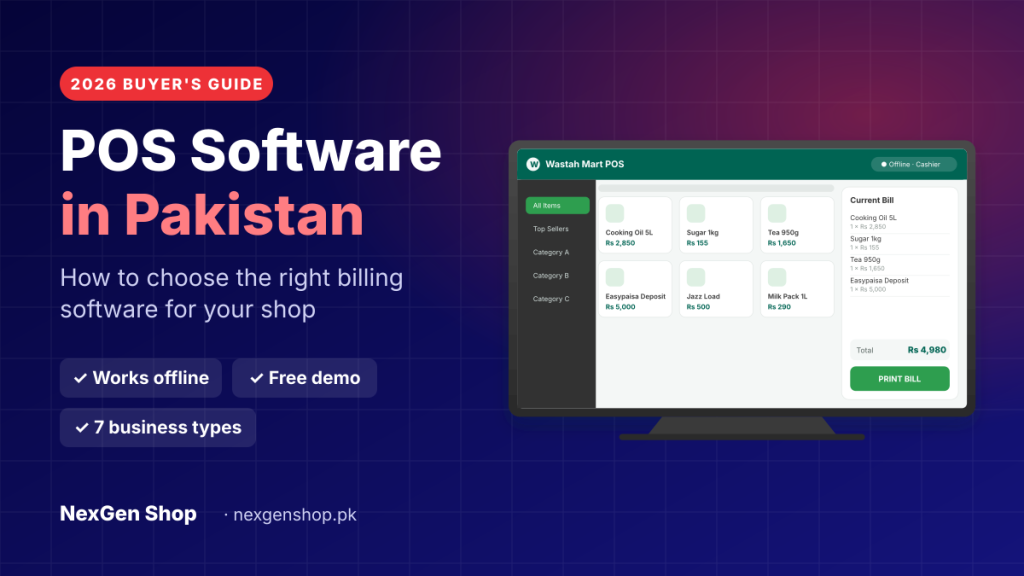
Still writing bills by hand or managing sales in an Excel sheet? Every day you lose time at the counter, make small calculation mistakes and have no clear idea of your stock. POS software (point of sale) fixes this — it prints a proper bill in seconds, keeps your stock updated and shows you exactly how much you sold today.
But with so many options, how do you choose the right POS software in Pakistan? In this guide we explain what to look for, which features matter for your type of business, and how to try a POS for free before you spend a single rupee.
What is POS software?
POS software is the billing system on your shop counter. You select the items a customer is buying, the software adds up the total, prints a receipt and reduces the items from your stock. At the end of the day it shows your total sale, item-wise sale and cashier-wise sale.
Most Pakistani shops need a desktop POS that runs on a normal Windows computer, works with a thermal receipt printer and does not depend on the internet.
Why offline POS is better for Pakistani shops
Online (cloud) POS systems need internet all the time. In Pakistan, load-shedding and slow internet are common — and when the connection drops, a cloud POS stops billing and customers start waiting in line.
An offline POS is installed on your own PC. It keeps working without internet, your data stays on your own computer, and there is usually no monthly fee — you pay for the license once.
Quick tip: Install your POS on D: or E: drive, not C:. If Windows ever needs to be re-installed, your sales and stock data will still be safe.
8 features to check before you buy
- Works offline: Internet and electricity both go in Pakistan. Offline software keeps billing even when the connection is down.
- Thermal & A4 printing: Small 80mm/58mm thermal receipts for daily sales, and A4 invoices for bigger customers — with print preview and PDF.
- Stock management: The software should reduce stock automatically with every sale and show what is running low.
- Staff logins & permissions: Separate admin, manager and cashier accounts so a cashier can bill but cannot delete sales or see profit reports.
- Multi-counter (LAN): If you have 2 or more counters, they should share products and sales over your shop network.
- Data safety & backup: Data should be saved on a separate drive (like D:) and have a backup option, so a Windows format does not wipe it.
- Your shop name on the bill: Store name, phone number and address printed on every receipt builds trust.
- Free demo: Never buy blind. A good POS company lets you download and test a demo first.
Choose a POS made for your business
A restaurant and a medical store work very differently, so a general POS often feels uncomfortable. Here is what each type of business should look for:
| Business | What the POS must do well |
|---|---|
| Restaurants, fast food & BBQ | Look for dine-in, takeaway and delivery orders, menu categories, kitchen and customer receipts. Example: restaurant POS software |
| Kiryana, general store & mart | Look for fast grocery billing, stock of hundreds of items, and a record of Easypaisa, JazzCash and mobile load. Example: kiryana store POS software |
| Pharmacy & medical store | Look for quick medicine search at the counter, stock control and printed receipts. Example: pharmacy POS software |
| Mobile phone & accessories shop | Look for selling handsets and accessories from one screen and keeping model-wise stock. Example: mobile shop POS software |
| Electronics & home appliances | Look for professional A4 invoices for big-ticket items like ACs, fridges, LEDs and laptops. Example: electronics shop POS software |
| Bakery, sweets & cafe | Look for very fast counter billing during rush hours and item categories for cakes, sweets and drinks. Example: bakery POS software |
| Stationery & book shop | Look for billing long lists of small items quickly, especially in the school season. Example: stationery shop POS software |
You can compare all of these on one page here: POS software in Pakistan by Wastah — with features, versions and free demos for every business type.
What hardware do you need?
- Computer or laptop: any Windows 10 or Windows 11 PC is enough for a small shop.
- Thermal receipt printer: 80mm is the most common size for shops and restaurants. See our list of the best wired thermal printers.
- Thermal paper rolls: keep a stock so billing never stops — read about thermal paper rolls for business.
- Optional: barcode scanner and cash drawer as your business grows.
Try before you buy: free POS demos
The safest way to choose a POS is to use it yourself. Download a demo, add a few items, print a test bill and check the reports. If it feels easy for you and your staff, it is the right one.
We have put free demos for restaurant, kiryana, pharmacy, mobile shop, electronics, bakery and stationery POS on our free POS software demo page. These products are made by Wastah, a Pakistani business software company — the demo login is demo / demo123.
Free demo
Try POS software on your own PC today
Download a free demo for your business, test billing and printing, then buy only if you like it.
Common mistakes to avoid
- Buying software without testing a demo first.
- Installing the POS on C: drive and losing all data after a Windows format.
- Giving the admin password to every staff member — use separate cashier logins.
- Choosing an internet-only POS for a shop with frequent load-shedding.
- Never taking a backup. Make it a weekly habit.
Frequently asked questions
Which is the best POS software in Pakistan?
There is no single best one — the right POS depends on your business. A restaurant needs order types and kitchen receipts, while a kiryana store needs fast billing and stock control. Compare options for your exact business on the Wastah POS software page.
Can POS software work without internet?
Yes. Desktop POS software like the Wastah POS range is installed on your Windows PC and works 100% offline. Internet is only needed if you want online activation.
Is there a free POS software demo?
Yes. You can download free demos for 7 types of shops from our free POS demo page. Demo login: demo / demo123.
What hardware do I need with a POS?
A Windows PC or laptop and a thermal receipt printer are enough to start. You can add a barcode scanner and cash drawer later. See our guide to the best wired thermal printers.
Conclusion
The right POS software saves time at the counter, stops billing mistakes and gives you a clear picture of your business every day. Choose an offline POS made for your type of shop, check the 8 features above, and always test a free demo first.
Need help choosing? WhatsApp the NexGen Shop helpline at 0300-1116530 and tell us about your business.