

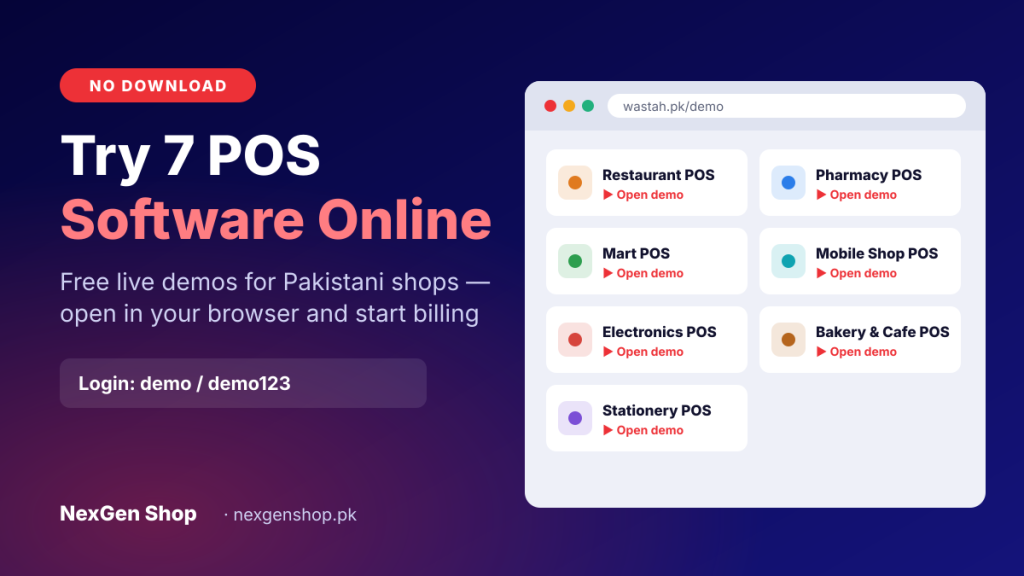
Buying billing software without seeing it is a risk. What if it is too slow at the counter, or does not fit the way your shop works? The good news: you can now try POS software online for free — no download, no installation and no sign-up.
Below you will find live online demos of 7 POS software made for Pakistani businesses — restaurant, pharmacy, kiryana/mart, mobile shop, electronics, bakery and stationery. Open the one for your business, make a few test sales, print a bill and check the reports. If it feels right, then buy.
Demo login for all 7 POS: Username demo Password demo123
All 7 online POS demos at a glance
| POS | Try now | Details |
|---|---|---|
| Restaurant POS | Online demo | Restaurant POS software |
| Pharmacy POS | Online demo | Pharmacy POS software |
| Mart / Kiryana POS | Online demo | Mart / Kiryana POS software |
| Mobile Shop POS | Online demo | Mobile Shop POS software |
| Electronics & Appliances POS | Online demo | Electronics & Appliances POS software |
| Bakery & Cafe POS | Online demo | Bakery & Cafe POS software |
| Stationery POS | Online demo | Stationery POS software |
Good to know: the online demo runs inside your own browser. Anything you add, edit or delete stays on your device only — nobody else sees it. To start over, log out and choose “Start again with fresh sample data”.
What to test in each POS demo
Do not just click around. Use the demo the way your staff will use it on a busy day. Here is a quick test plan for each business:
1. Wastah Restaurant POS
In the demo: Dine-in tables, takeaway and delivery orders, kitchen KOT, waiters, deals, recipes with stock, and a daily audit.
Try this:
- Open a table, add a few dishes and send the order to the kitchen (KOT).
- Make a takeaway and a delivery order and compare them in reports.
- Create a deal and check the daily audit at the end.
2. Wastah Pharmacy POS
In the demo: Medicines sold by pack, strip or tablet, batches with expiry alerts, suppliers, purchases and returns.
Try this:
- Sell one strip from a full pack and see the stock update.
- Check which batches are close to expiry.
- Enter a purchase from a supplier, then make a return.
3. Wastah Mart / Kiryana POS
In the demo: Fast barcode billing, loose items sold by weight, wholesale prices, Easypaisa / JazzCash and a customer display.
Try this:
- Bill a full basket quickly, including a loose item by weight.
- Switch to a wholesale price for a bulk customer.
- Record an Easypaisa or JazzCash transaction.
4. Wastah Mobile Shop POS
In the demo: Phones with IMEI numbers, accessories, repairs, mobile load and JazzCash / Easypaisa accounts.
Try this:
- Sell a phone and see its IMEI on the bill.
- Book a repair job for a customer.
- Record a mobile load sale.
5. Wastah Electronics & Appliances POS
In the demo: LEDs, ACs, fridges and laptops with serial numbers, warranty, installments and service jobs.
Try this:
- Sell an AC with its serial number and warranty.
- Create an installment plan for a customer.
- Open a service job for an appliance.
6. Wastah Bakery & Cafe POS
In the demo: Counter and cafe billing, cake and party orders, daily production, expiry tracking and delivery.
Try this:
- Bill a counter sale and a cafe order.
- Book a cake order for a future date.
- Enter today’s production and check item expiry.
7. Wastah Stationery POS
In the demo: Barcodes, retail and wholesale prices, school sets, photocopy and services, and customer credit (udhaar).
Try this:
- Sell a complete school set in one click.
- Add a photocopy or printing service to the bill.
- Give a customer udhaar and see it in their account.
Liked the demo?
Get the full version for your shop
One-time license, works offline on your PC, prints to thermal printers. Our helpline will guide you.
Online demo vs installed software
- Online demo: opens instantly in your browser — perfect for a quick look and for showing your partner or staff.
- Installed Windows version: works 100% offline, prints straight to thermal printers and connects more computers and tablets over your shop WiFi.
- Offline demo: want to test the installed version first? Download it from our free POS demo download page.
Frequently asked questions
Do I need to download anything for the online demo?
No. Just open the Wastah POS online demo page in Chrome or any browser, pick your business and log in with demo / demo123.
Does the online demo work on mobile?
Yes, it opens in a mobile browser too. A laptop or desktop screen is better for testing billing comfortably.
Is my data in the online demo saved?
It stays only in your own browser on that device. Nobody else can see it, and you can reset it with fresh sample data at any time.
Is the real software also online?
No. The full software is installed on your Windows PC and works fully offline. If you prefer to test the installed version, download it from our free offline POS demo page.
How do I buy the full version?
Message the NexGen Shop helpline on WhatsApp at 0300-1116530. You can also compare all products on the POS software in Pakistan page.
Conclusion
The easiest way to pick the right POS is to use it before you pay. Open the online POS demos, follow the test plan above for your business, and when you are happy, contact the NexGen Shop helpline at 0301-1116530 for the full version.